Try the Mobile App from a desk
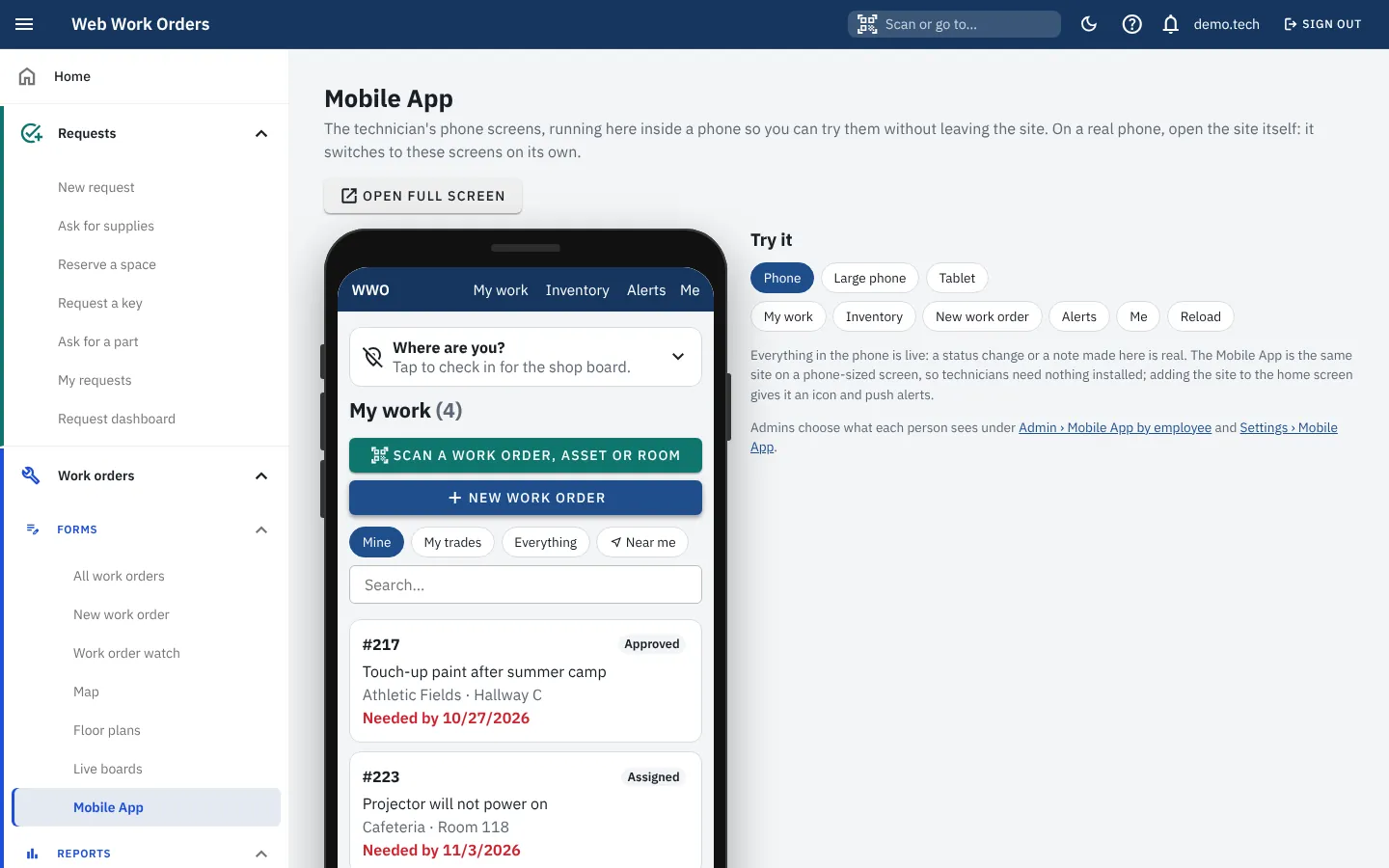
The technician's phone screens running inside a phone on this page, so anyone can try them from a desk.
How it helps
The technician's phone screens running inside a phone on the page, live, so a supervisor can see exactly what the crew sees and an admin can check settings without borrowing a phone.
Who uses it
SupervisorsAdministratorsTechnicians
How to use it
- Pick a phone or tablet size, and use the chips to jump to My work, Inventory, a new work order, Alerts and Me. Everything inside the phone is live.
- Open full screen shows the same screens without the frame; on a real phone the site switches to them on its own.
Where to find it
In the app at /m/preview. Every screen has a ? in the header with help for that page.
Terms on this page
Related
Next in Mobile App: Spark on the phone →
Screenshots come from the Pine Valley Schools demo, a made-up district. Something unclear or out of date? Tell us and we'll fix it.