Spark on the phone
Ask about your own work or the district's from the Mobile App; Spark looks it up and says what it checked.
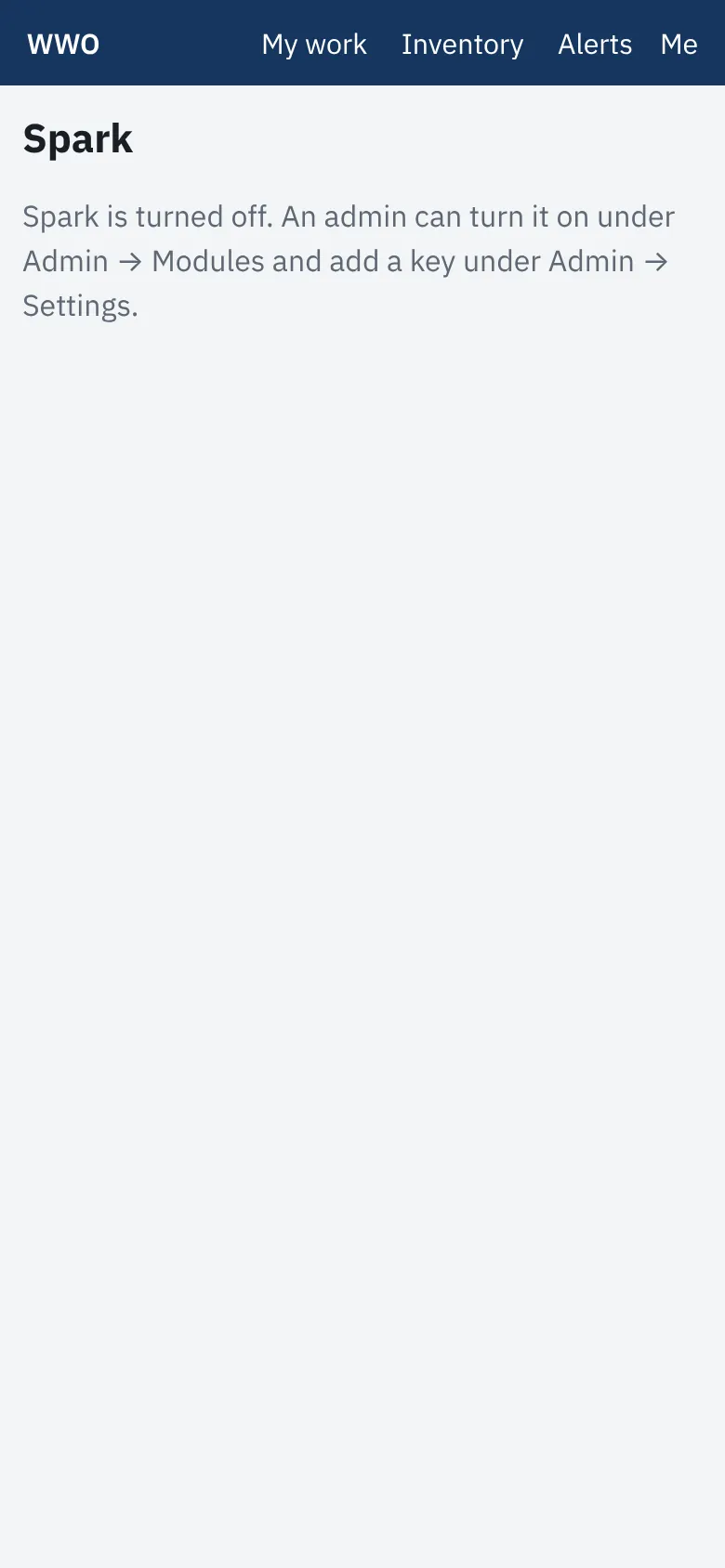
How it helps
A technician asks "what do I have today" or "is the 20×25 filter in stock" from the Mobile App and gets the answer with links to the phone's own pages. Same rules as on the full site: read only, the person's own access, and it says what it checked.
Who uses it
How to use it
- "What do I have today" and "anything of mine overdue" use your linked employee record (Me › I am this employee).
- Stock, PM due, a work order by number, and counts by school or trade work the same as on the full site. Spark cannot change anything.
Where to find it
In the app at /m/spark. Every screen has a ? in the header with help for that page.
Terms on this page
Work orderTradeOverduePreventive maintenance
Related
Screenshots come from the Pine Valley Schools demo, a made-up district. Something unclear or out of date? Tell us and we'll fix it.