Audit log
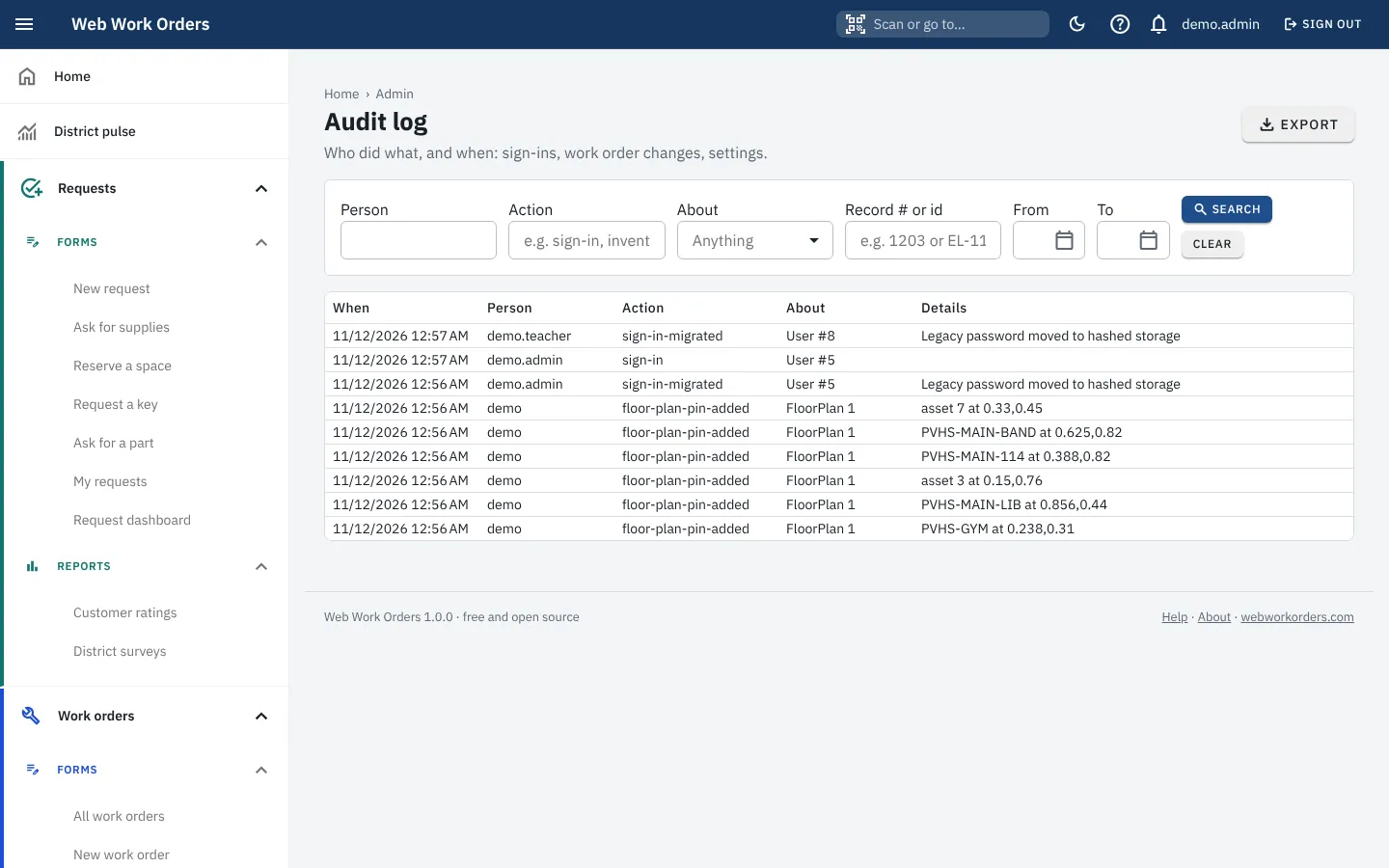
Who did what, and when: sign-ins, changes, settings.
How it helps
Who did what, and when: sign-ins, changes and settings. Combined with the row history the app keeps before every change to district data, nothing changes without a trace.
Who uses it
How to use it
- Search by person, action or work order number.
- Entries are kept for as long as you keep the database.
Where to find it
In the app at /admin/audit. Every screen has a ? in the header with help for that page.
Terms on this page
Related
Next in Setup and security: Email log →
Screenshots come from the Pine Valley Schools demo, a made-up district. Something unclear or out of date? Tell us and we'll fix it.