System check
Backups, database compatibility and app tables.
How it helps
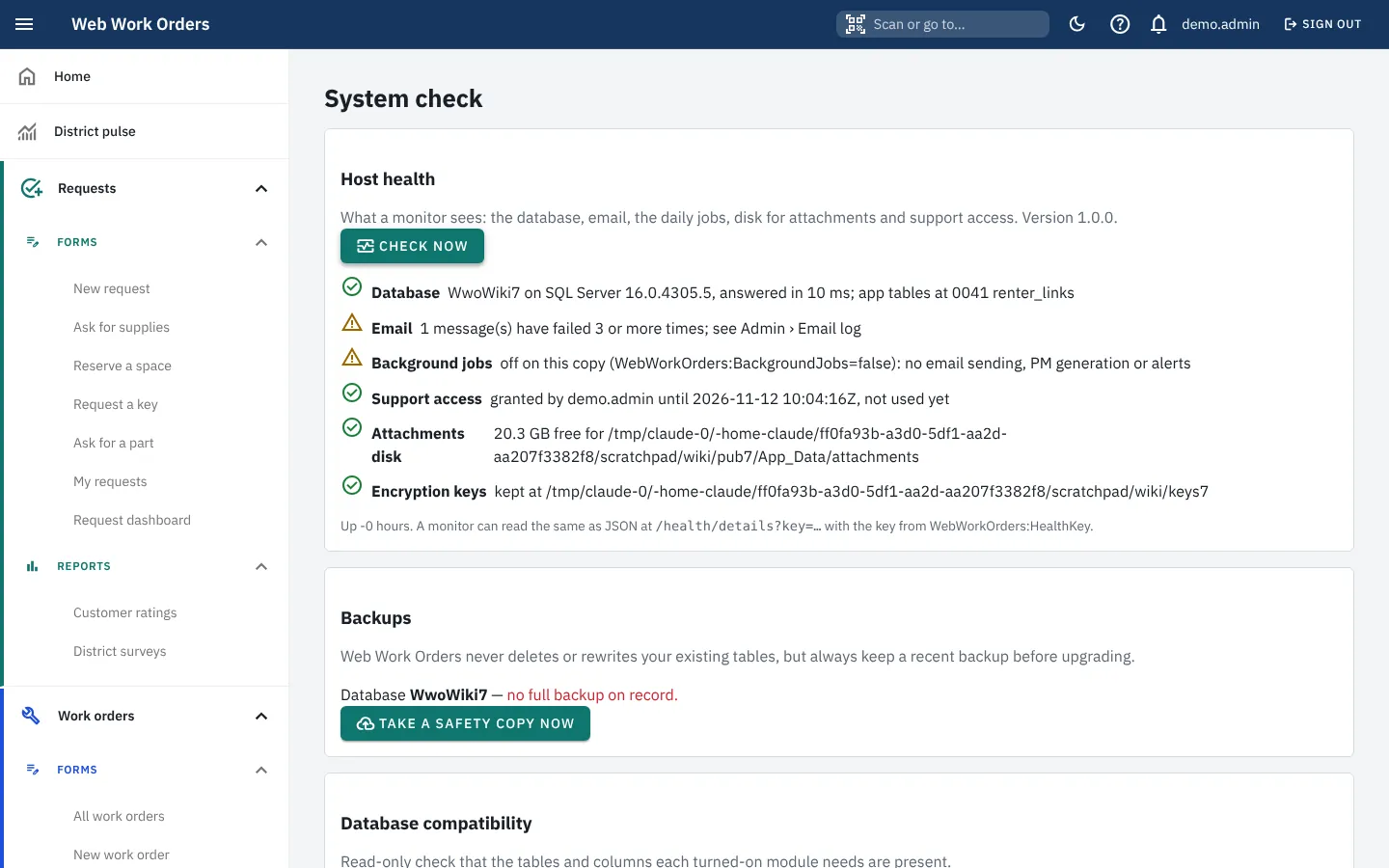
Host health (database, email, background jobs, disk and support access, also readable by a monitor), backups, database compatibility and the app's own tables on one page. It takes a copy-only safety backup before an upgrade and shows which optional fields a district database lacks, so an IT director knows the app will behave before anyone relies on it.
Who uses it
How to use it
- Take a safety copy before upgrades. It is a copy-only backup that does not disturb your regular backups.
- Grey items in the compatibility check are optional fields this database lacks; red items block a module.
Where to find it
In the app at /admin/system. Every screen has a ? in the header with help for that page.
Terms on this page
Work orderModuleSupport access
Related
Next in Setup and security: Audit log →
Screenshots come from the Pine Valley Schools demo, a made-up district. Something unclear or out of date? Tell us and we'll fix it.