Your data (download everything)
A complete copy of the organization's database as CSV files in one zip.
How it helps
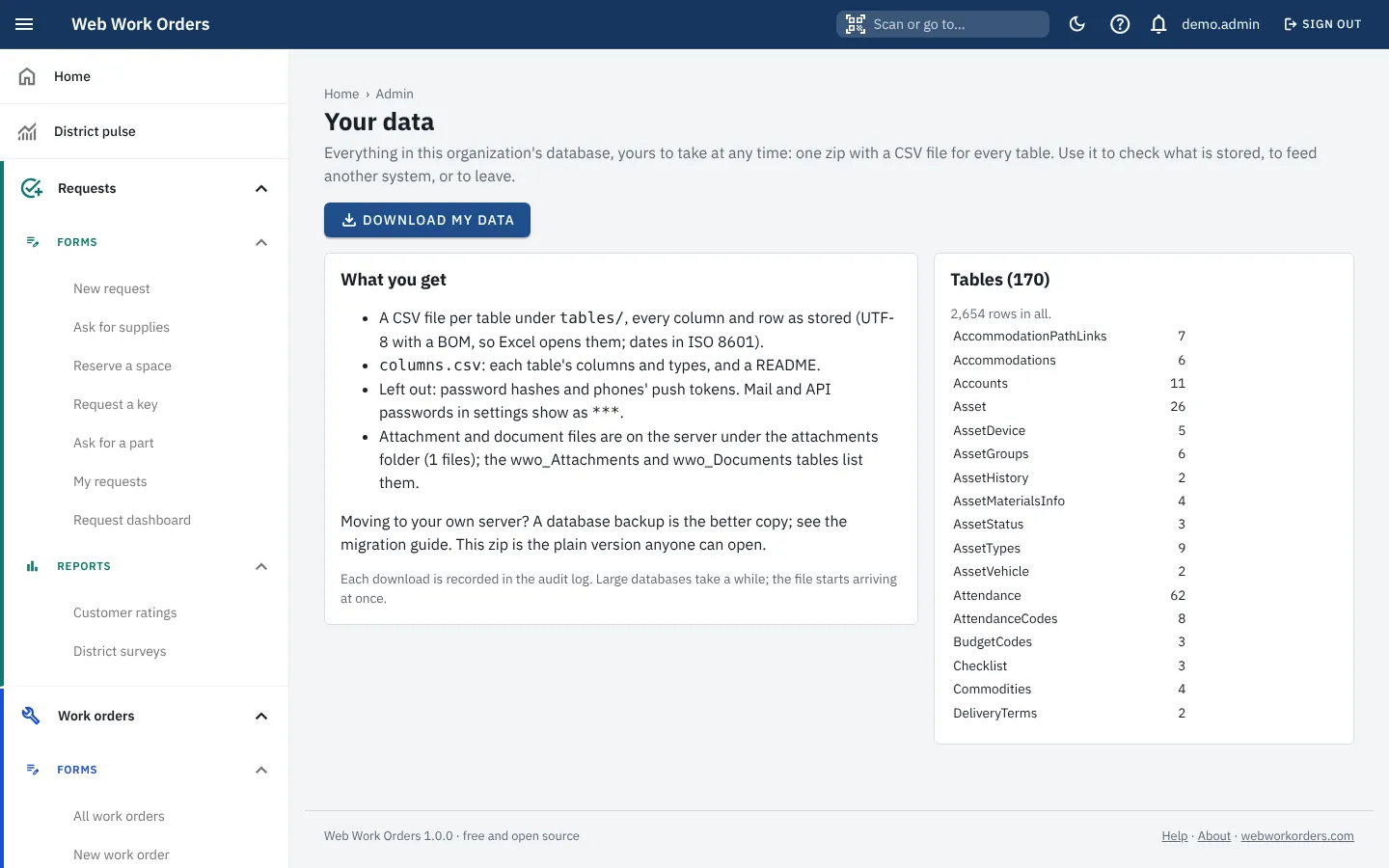
A complete copy of the district's database, a CSV file for every table in one zip, any time, with no request and no fee. The data was always the district's; this is the proof, and the way to leave with everything if they ever want to.
Who uses it
How to use it
- Download my data makes the zip on the spot: a file per table under tables/, columns.csv and a README. Large databases take a while.
- Password hashes and phones' push tokens are left out; mail and API passwords show as ***. Attachment files stay on the server.
- To move to your own server, take a database backup instead (see the migration guide). Each download is recorded in the audit log.
Where to find it
In the app at /admin/data. Every screen has a ? in the header with help for that page.
Terms on this page
Related
Next in Setup and security: Support access →
Screenshots come from the Pine Valley Schools demo, a made-up district. Something unclear or out of date? Tell us and we'll fix it.