Key reports
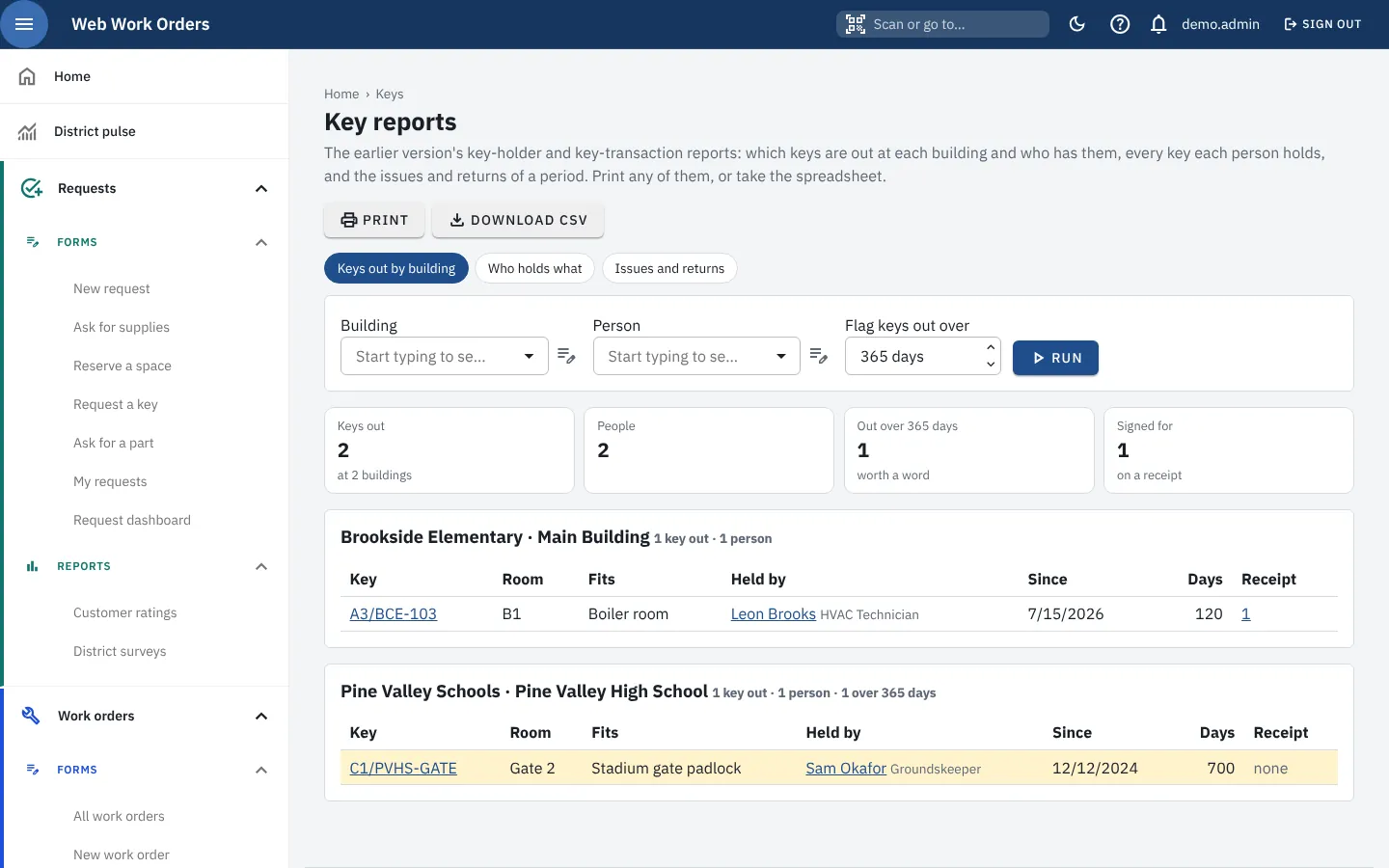
The earlier version's key-holder and key-transaction reports: keys out at each building and who holds them, every key each person holds, and the issues and returns of a period.
How it helps
The reports the auditor asks for: keys out by building with who holds each one, since when and whether it was signed for; who holds what, person by person; every issue and return in a period. Print them or take the spreadsheet.
Who uses it
How to use it
- Keys out by building: one block per building the keys open, with the holder, since when, days out and the receipt; keys out longer than the flag are marked.
- Who holds what: each person with their trade and own building, and every key they hold with the building it opens; how many are signed for.
- Issues and returns: every key that went out or came back in the period, with a building and person filter. Print any view, or download the spreadsheet.
Where to find it
In the app at /keys/reports. Every screen has a ? in the header with help for that page.
Terms on this page
Related
Next in Keys: Keys setup →
Screenshots come from the Pine Valley Schools demo, a made-up district. Something unclear or out of date? Tell us and we'll fix it.