Issue keys
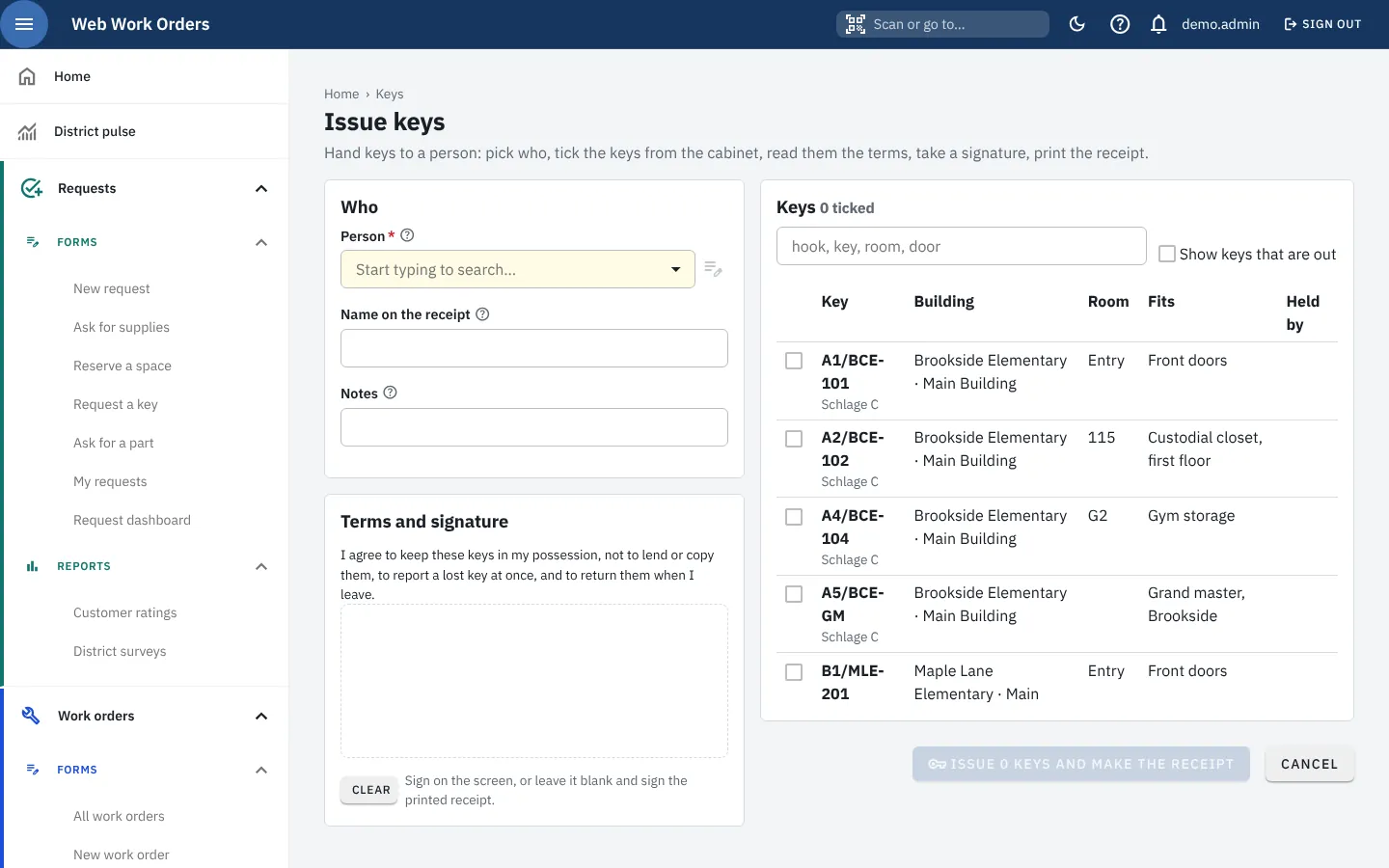
Hand keys to a person: who, which keys from the cabinet, the terms they agree to, a signature on screen (or on the printed receipt).
How it helps
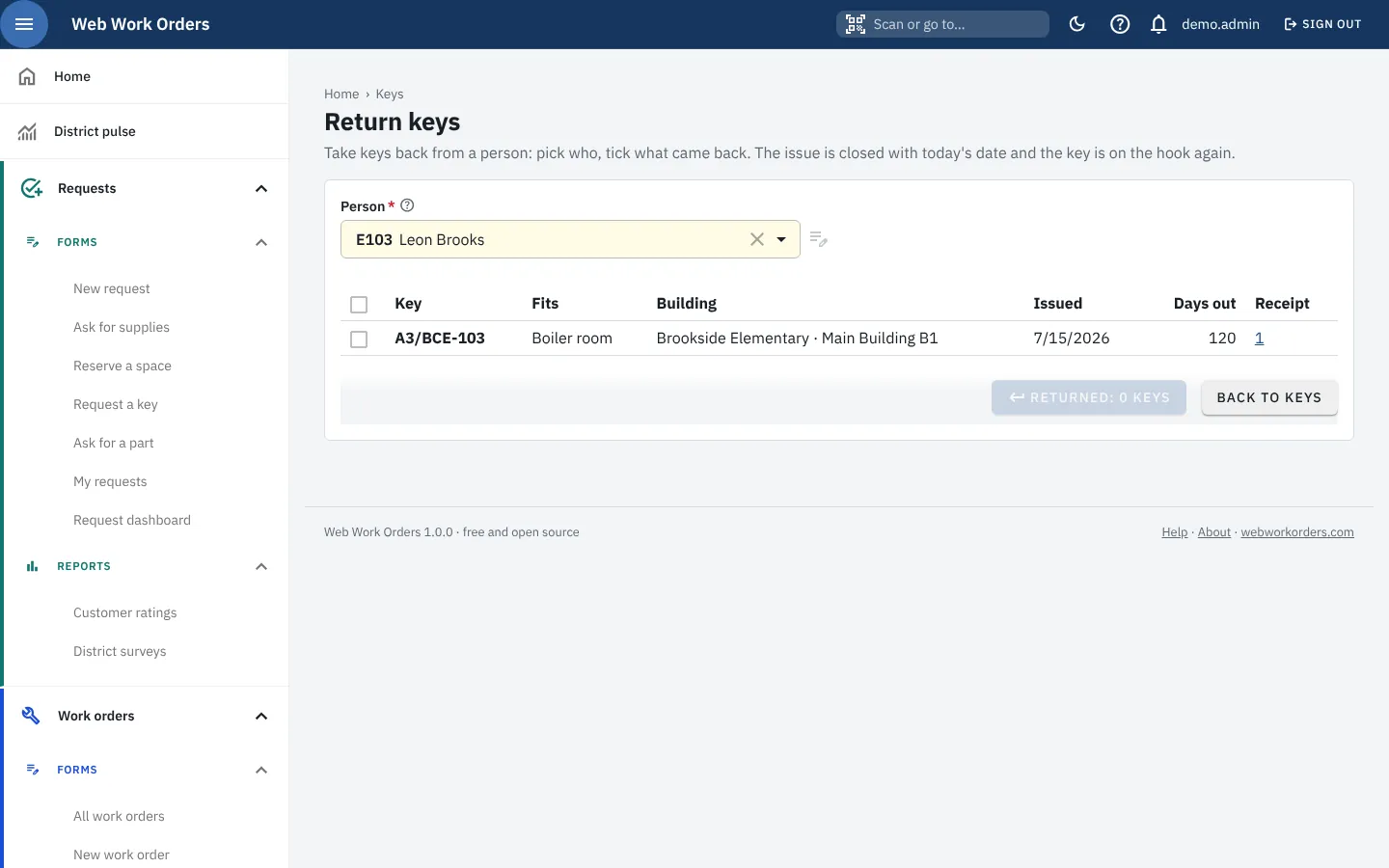
Signed for. Pick the person and the keys on the hook, show them the terms, and take a signature on the screen: one receipt, one issue row per key. A key that is already out cannot be issued twice, and Return keys closes the loop with the date.
Who uses it
How to use it
- Only keys on the hook can be ticked; a key that is out shows who has it. Return it first.
- The terms come from the district's Keys.ReceiptTerms setting, else the earlier version's key terms, else the built-in wording.
- Saving writes one receipt and one issue row per key on the earlier KeyTransactions table, and opens the receipt to print.
Fields on this screen
- Person
- The employee the keys are issued to; every key they hold is tracked under this record.
- Name on the receipt
- How the person's name prints on the receipt; filled in from the employee record.
- Notes
- Anything about this hand-over worth keeping with the receipt: a deposit, a temporary loan, who authorized it.
Where to find it
In the app at /keys/issue. Every screen has a ? in the header with help for that page.
Related
Next in Keys: Key receipt →
Screenshots come from the Pine Valley Schools demo, a made-up district. Something unclear or out of date? Tell us and we'll fix it.