Inventory
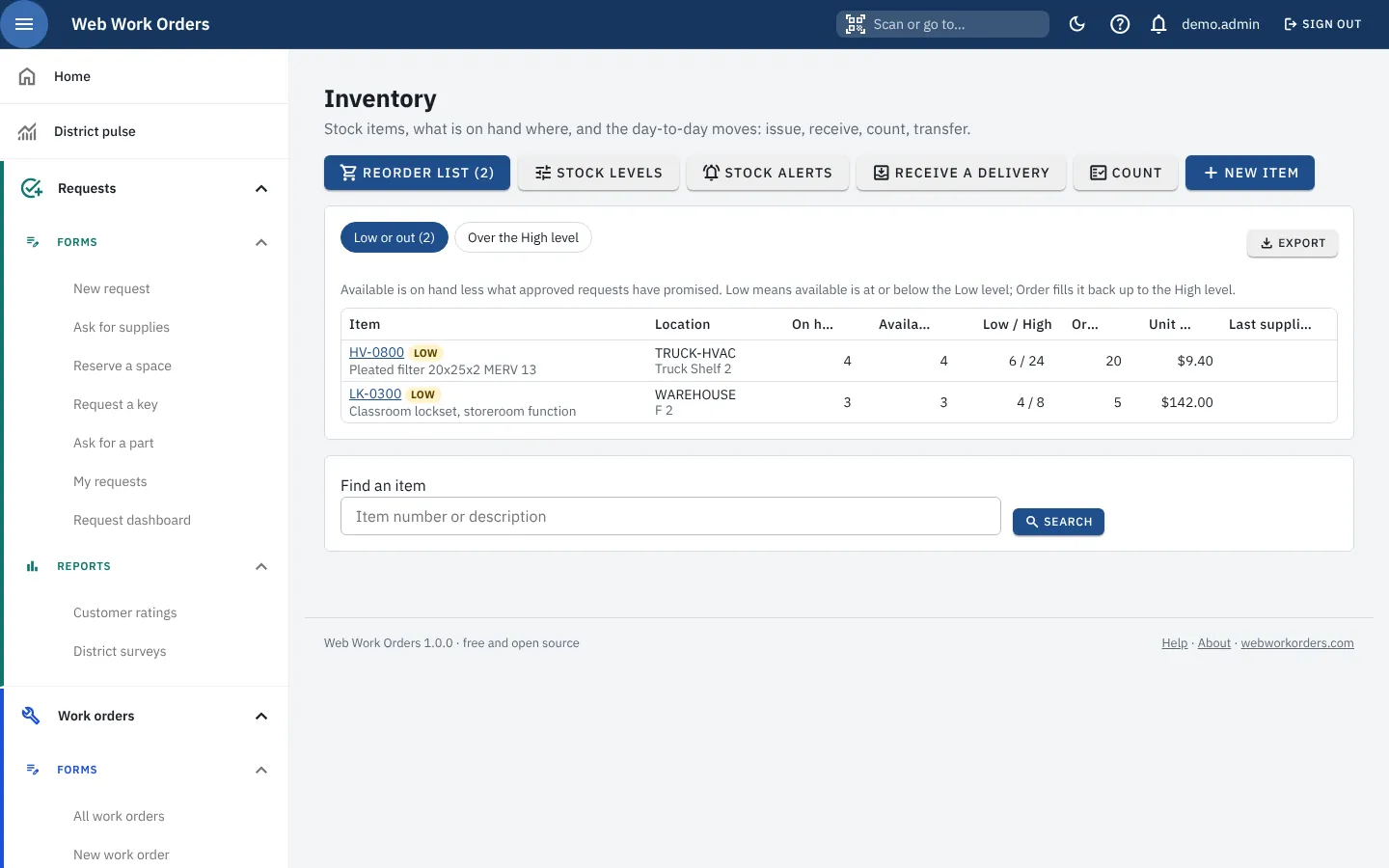
Look up stock items, see what is on hand where, and do the day-to-day moves.
How it helps
Knowing what is on the shelf and on each truck stops two kinds of waste: buying filters you already have, and sending a technician out for a part that isn't there. Issuing stock to a work order puts the cost where it belongs, and every move is audited.
Who uses it
Stockroom (inventory clerks)TechniciansSupervisors
How to use it
- Type part of an item number or description to search; one match opens straight away.
- Issue lowers on hand at the location and records the cost on the work order. Receive adds stock. Count / adjust sets on hand to what you counted. Transfer moves stock between locations, for example onto a truck.
- Every move is in the audit log with who did it and why.
- Each stock location shows its flag: Low or Out when what is available (on hand less what approved requests have promised) is at its low level, Over at its High level. The buttons beside it set the levels and who is told.
- The reorder list shows every item at or below its low level with how many to order (up to its High level), ready to export for purchasing.
Fields on this screen
- Item number
- The district's part number for the item. Type any part of the number or description to find it.
- On hand
- Current quantity across all stock locations. Reorder when it falls below the reorder point set on the item.
- Quantity received
- How many units of issue arrived. They are added to the location you choose.
- Location
- The warehouse, shop or truck the stock is kept at.
- Reference
- PO number, packing slip or invoice, so the receipt can be traced later.
- Counted quantity
- What you physically counted at this location. On hand is set to this number and the count date is recorded.
- Reason
- Why on hand is changing: annual count, damaged, found, correction. It goes in the audit log.
- From
- The location the stock leaves.
- To
- The location the stock goes to, for example a technician's truck.
Where to find it
In the app at /inventory. Every screen has a ? in the header with help for that page.
Terms on this page
Work orderStock locationLow, Reorder and High levelsPurchase order
Related
Next in Inventory: Stock levels →
Screenshots come from the Pine Valley Schools demo, a made-up district. Something unclear or out of date? Tell us and we'll fix it.