Documents on equipment and vendors
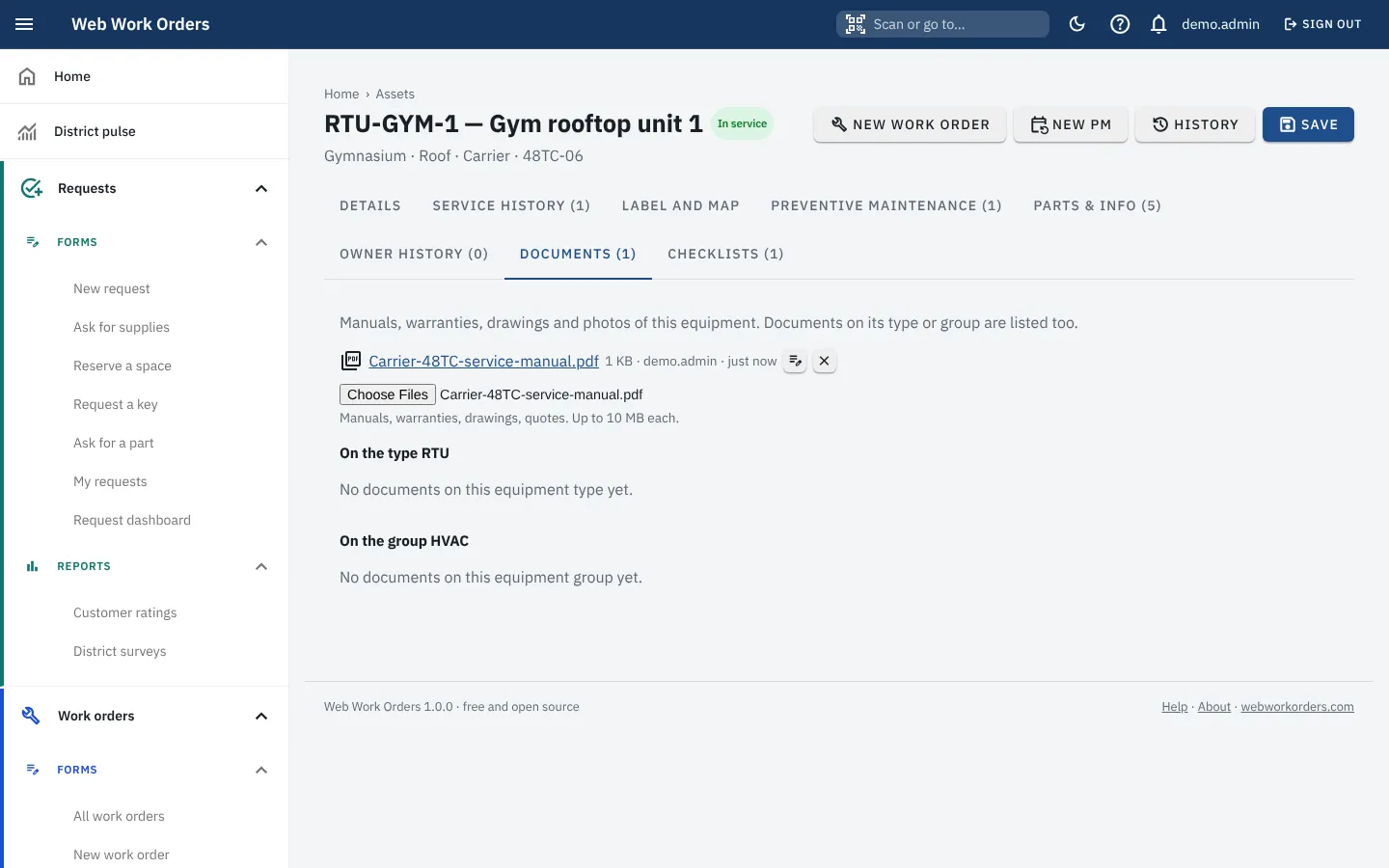
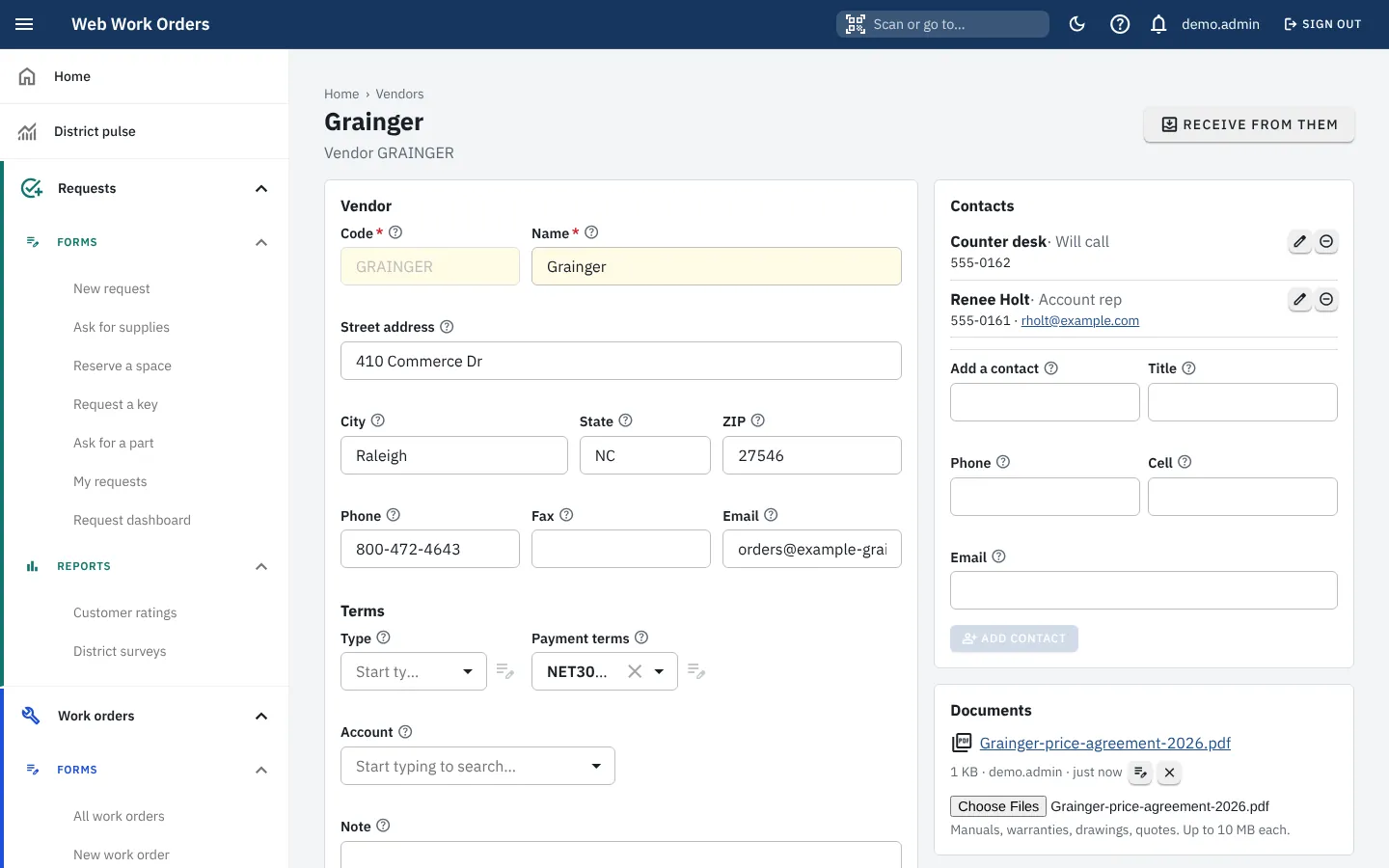
Manuals, warranties, drawings, quotes and contracts kept on the thing they belong to: a vendor, a piece of equipment, an equipment type or group, a code or a location.
How it helps
The manual is never in the truck when the unit is down. Attached to the equipment, its type or its group, it is on every work order and phone that needs it, and the warranty and the vendor's contract are where finance will look for them.
Who uses it
TechniciansSupervisorsStockroom (inventory clerks)Administrators
How to use it
- Open the record and look for Documents. Files up to the size limit under Settings can be attached.
- A document on an equipment type or group shows on every asset of that type or group: one manual covers every unit of that model.
- A work order on the equipment shows its documents, so the technician on the roof has the manual without asking.
- Removing a document takes it off the record; the file and a note of who removed it stay for an administrator.
Terms on this page
Related
Next in Assets: Vehicles and fuel →
Screenshots come from the Pine Valley Schools demo, a made-up district. Something unclear or out of date? Tell us and we'll fix it.