Stock alerts
Who hears about low, out-of-stock and over-stock items, and how often.
How it helps
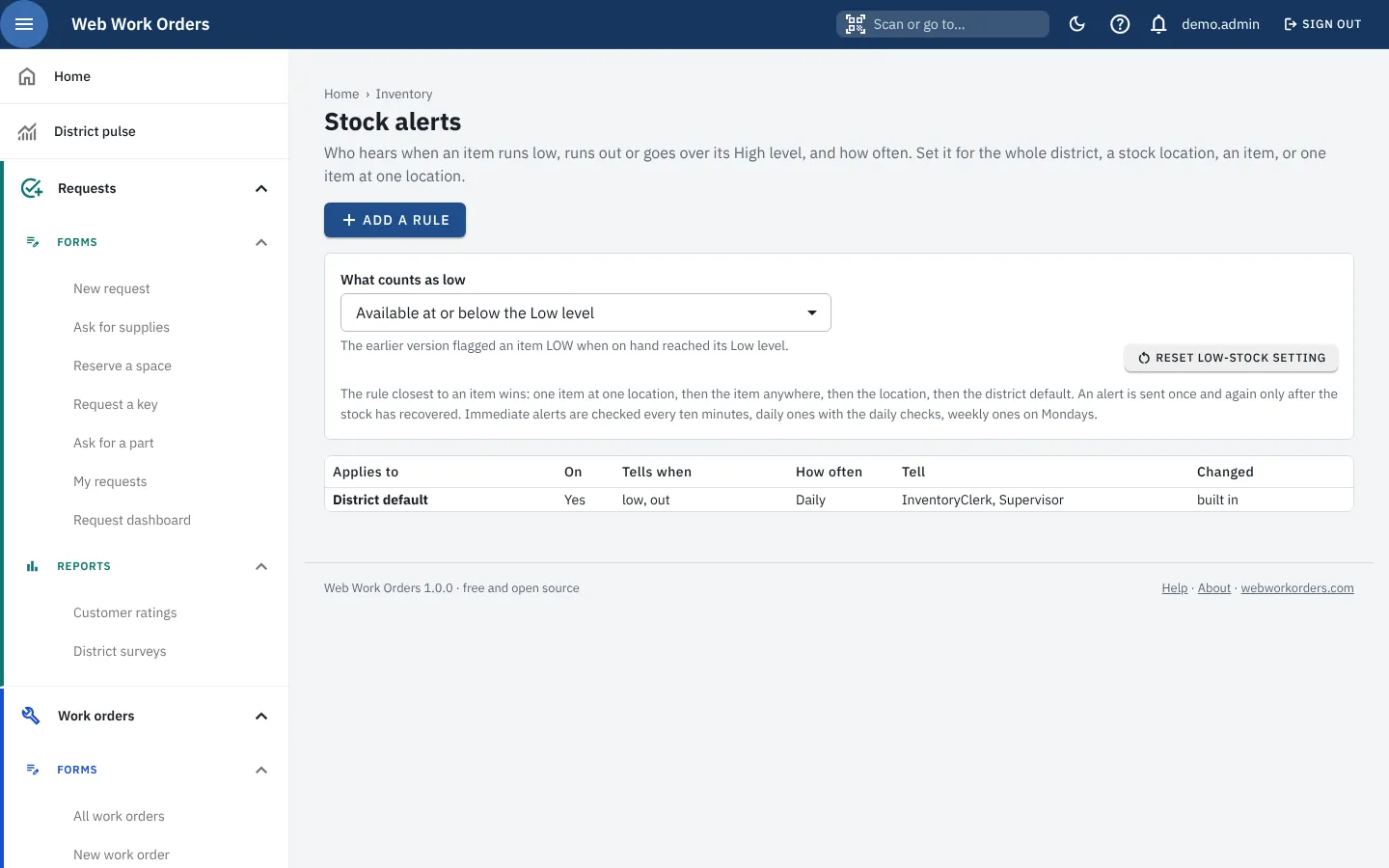
The right person hears about low, out-of-stock and over-stock items, as it happens or in a daily or weekly summary. Rules can be set for the whole district, one stock location such as the HVAC truck, or one item, and each item is announced once until it is restocked.
Who uses it
Stockroom (inventory clerks)SupervisorsAdministrators
How to use it
- The district default covers everything. Add a rule for a stock location (the HVAC truck), an item (air filters) or one item at one location.
- Tell takes roles such as InventoryClerk or Supervisor, user names and outside email addresses.
- Each item is announced once and again only after it has been restocked, so nobody gets the same alert every day.
Where to find it
In the app at /inventory/alerts. Every screen has a ? in the header with help for that page.
Terms on this page
Related
Next in Inventory: Inventory reports →
Screenshots come from the Pine Valley Schools demo, a made-up district. Something unclear or out of date? Tell us and we'll fix it.