Request detail
One request: what you asked for, where it stands, notes from the team, and your photos.
How it helps
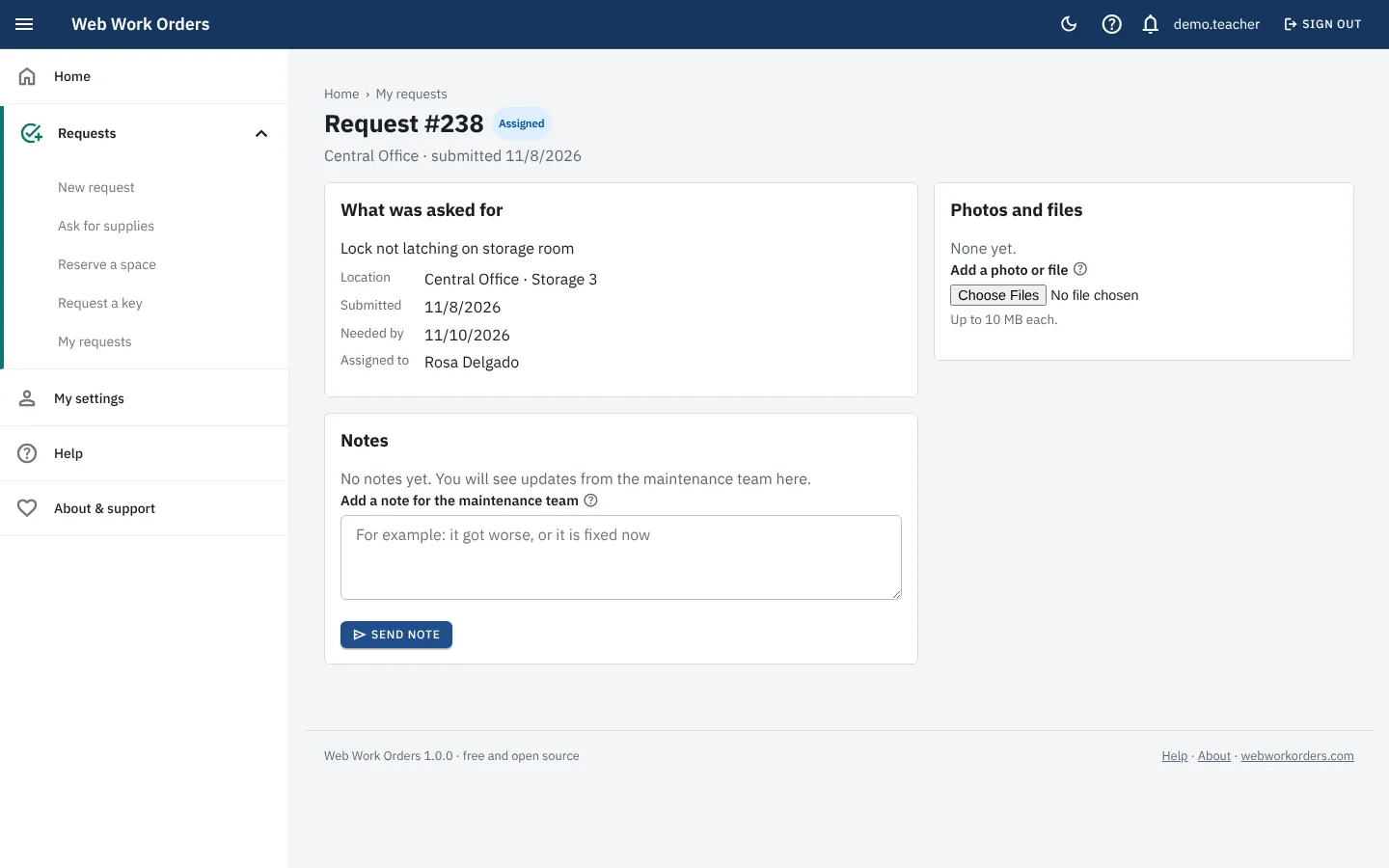
One page for one request, in the requester's terms: what they asked for, where it stands, the notes meant for them (staff-only notes stay hidden) and a place to add photos. Better information from the requester means fewer return trips for the technician.
Who uses it
Teachers and staff (requesters)
How to use it
- Add a note if anything changes, for example it got worse or it is already fixed. The team is told.
- Photos help the technician bring the right parts the first time.
Where to find it
In the app at /requests/…. Every screen has a ? in the header with help for that page.
Terms on this page
Related
Next in Requests: Request dashboard →
Screenshots come from the Pine Valley Schools demo, a made-up district. Something unclear or out of date? Tell us and we'll fix it.