Parts kits
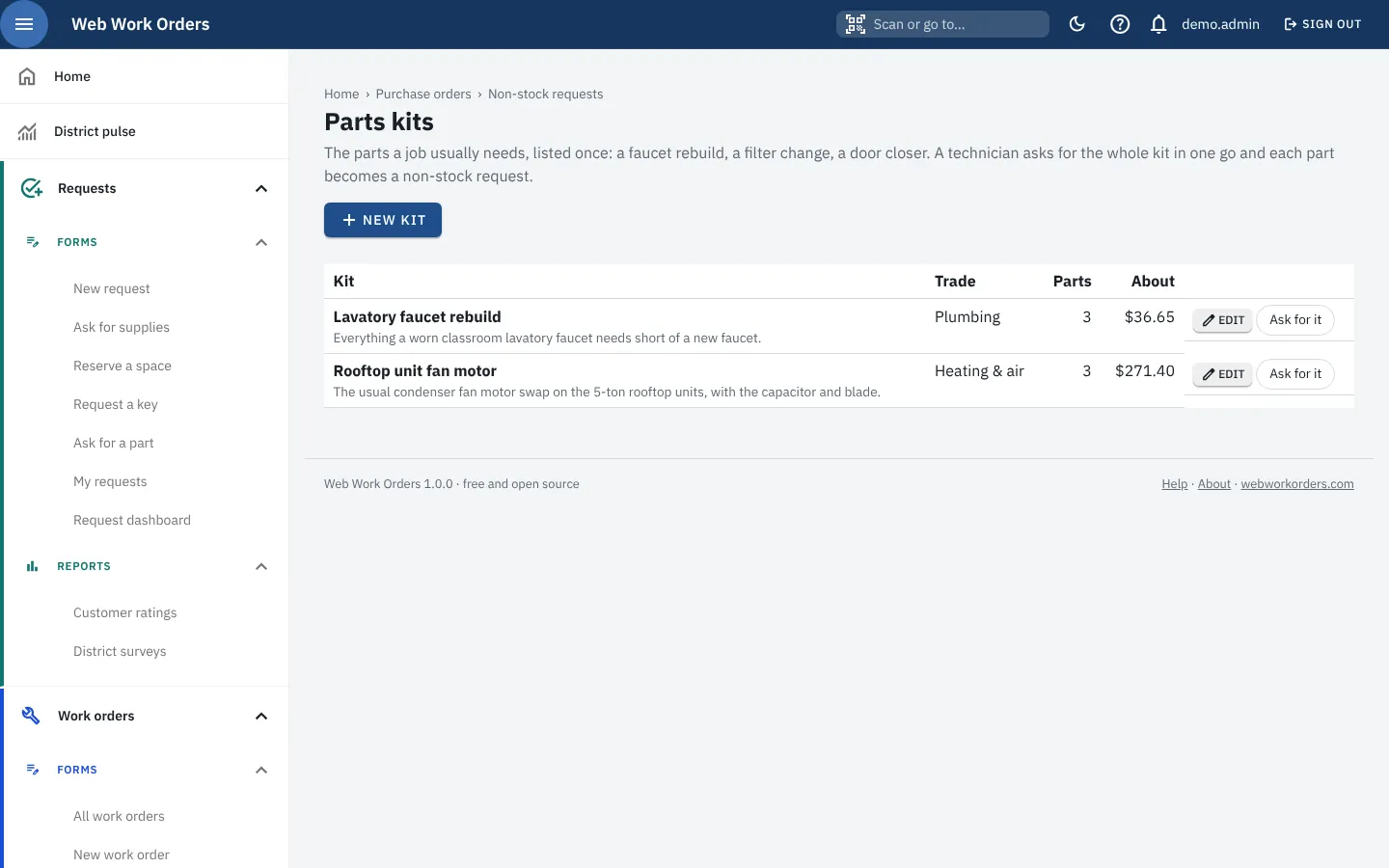
The parts a job usually needs, listed once (a faucet rebuild, a filter change). A technician asks for the whole kit in one go and each part becomes a non-stock request tied to the others.
How it helps
The parts a job usually needs, listed once: a faucet rebuild, a rooftop fan motor swap. One pick asks for the whole kit, with the vendor and prices already on the lines.
Who uses it
Stockroom (inventory clerks)Supervisors
How to use it
- Each part carries its usual vendor and price so the buyer's order is nearly written already.
- Turn a kit off rather than deleting it; requests already made keep their link to it.
Fields on this screen
- Kit name
- What technicians will pick from the list: "Faucet rebuild", "Rooftop unit filter change".
- Trade
- The trade whose jobs use this kit; its buyer sees the requests.
- Offered
- Off hides the kit from the request form without losing it. Requests already made keep their link to it.
- Description
- A line on when to use this kit, shown with its name.
Where to find it
In the app at /purchasing/kits. Every screen has a ? in the header with help for that page.
Terms on this page
Work orderTradeVendorNon-stock item
Related
Next in Purchasing: Card charges against orders →
Screenshots come from the Pine Valley Schools demo, a made-up district. Something unclear or out of date? Tell us and we'll fix it.