Utility bills
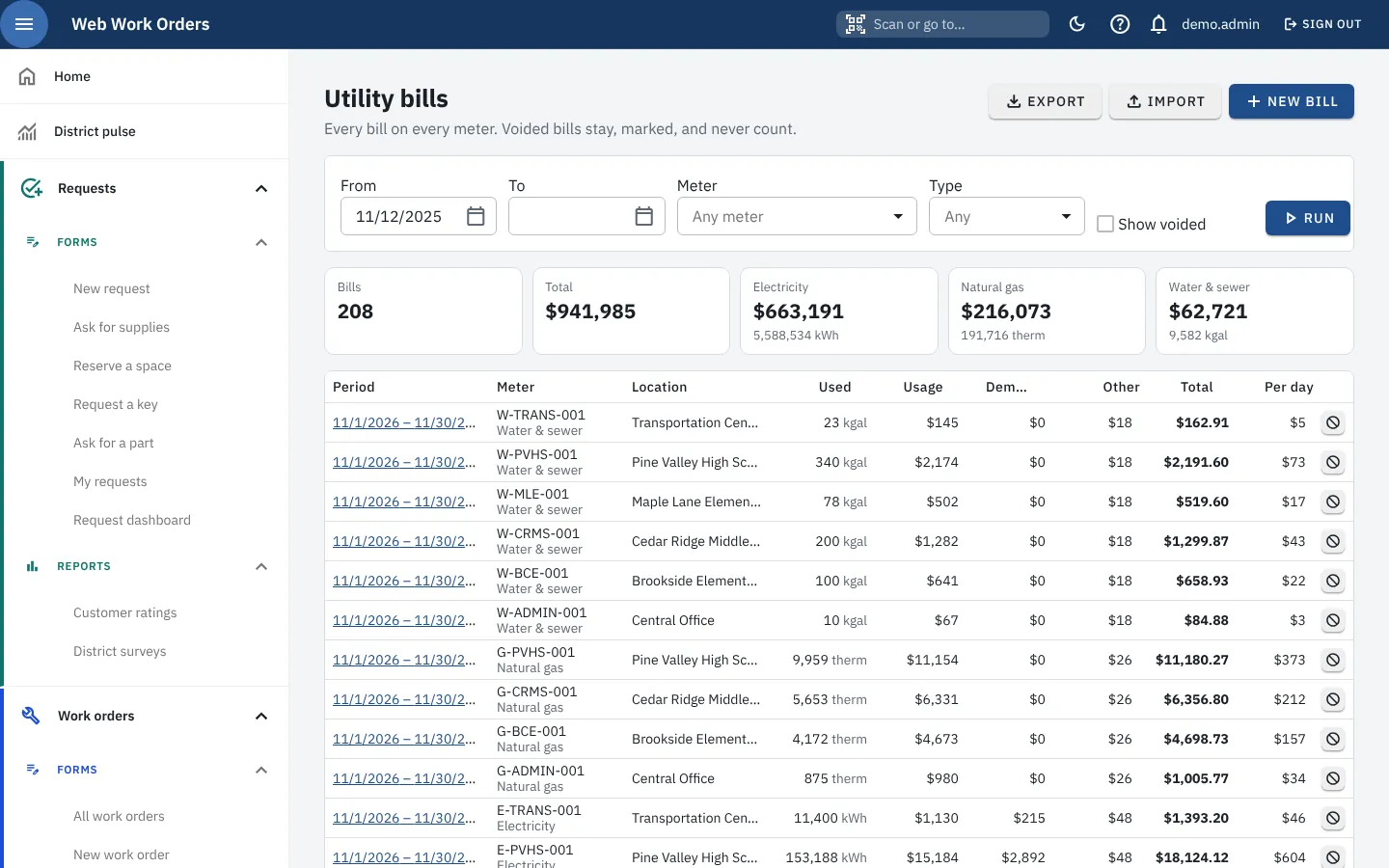
Every bill on every meter, filtered by period, meter and type, with totals; void a bill that was entered wrong (it stays, marked, and never counts).
How it helps
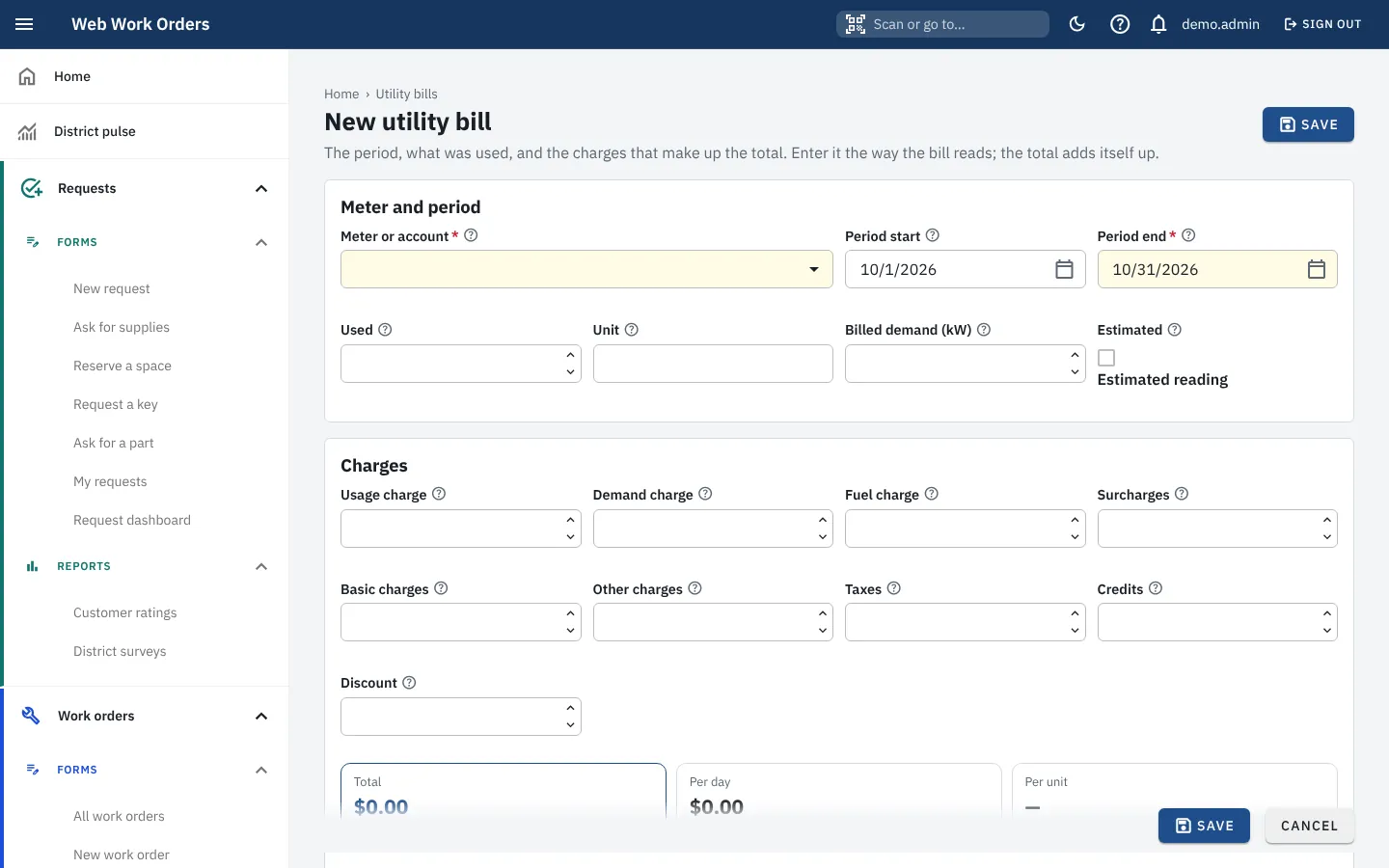
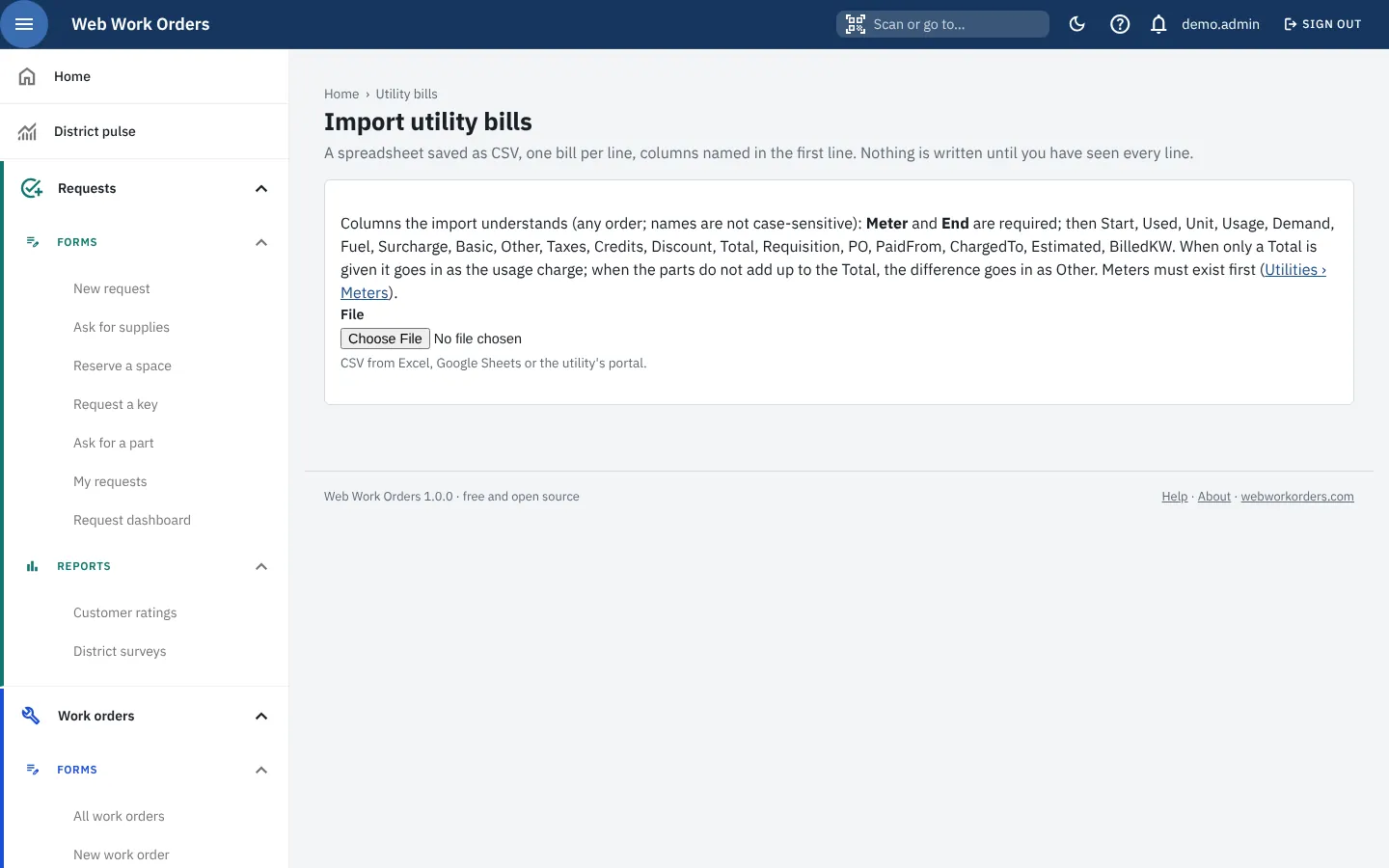
Enter a bill as it reads, charge by charge, so demand, fuel and taxes can be compared over time; or import a spreadsheet from the utility's portal with a line-by-line preview before anything is saved. A bill entered wrong is voided, not deleted.
Who uses it
How to use it
- Per day puts bills of different lengths side by side. Export gives every line and charge as a spreadsheet.
- Void keeps the bill in the list with the reason; nothing is ever deleted.
Fields on this screen
- Meter or account
- The account the bill came in on, as set up under Utilities › Meters; it carries the utility type and the place served.
- Period start
- The first day the bill covers. A bill that spans two months is split between them by its days in reports.
- Period end
- The last day the bill covers; the bill lands in this month's reports.
- Used
- What the meter recorded for the period: kWh, therms, kgal, gallons… in the unit on the bill.
- Unit
- The unit the use is in, when it differs from the type's usual unit (kWh, therm, CCF, kgal, gal).
- Billed demand (kW)
- The peak demand the electric bill charged for, if the rate has a demand charge.
- Estimated
- The utility estimated the reading instead of reading the meter; the next real reading will even it out.
- Usage charge
- The charge for what was used (energy, consumption or volume charge).
- Demand charge
- The charge for peak demand on an electric bill, where the rate has one.
- Fuel charge
- The fuel or purchased-power adjustment line, if the bill shows one.
- Surcharges
- Riders and surcharges the bill lists separately from the usage charge.
- Basic charges
- The fixed monthly service or customer charge.
- Other charges
- Anything else on the bill that is not a credit, tax or one of the lines above.
- Taxes
- Sales and franchise taxes on the bill.
- Credits
- Credits the bill applies, entered as a positive amount; they come off the total.
- Discount
- A prompt-payment or other discount, entered as a positive amount; it comes off the total.
- Requisition
- The district's requisition number for paying this bill, if one is used.
- PO number
- The purchase order the bill is paid against, if one is used.
- Paid from
- The fund account the bill is paid from, for grouping utility spending by fund.
- Charged to
- The expense account the bill is charged to, if the district tracks one.
Where to find it
In the app at /utilities/bills. Every screen has a ? in the header with help for that page.
Terms on this page
Paid from / charged toVoidPurchase order
Related
Next in Utilities and energy: Utility meters →
Screenshots come from the Pine Valley Schools demo, a made-up district. Something unclear or out of date? Tell us and we'll fix it.