Roles
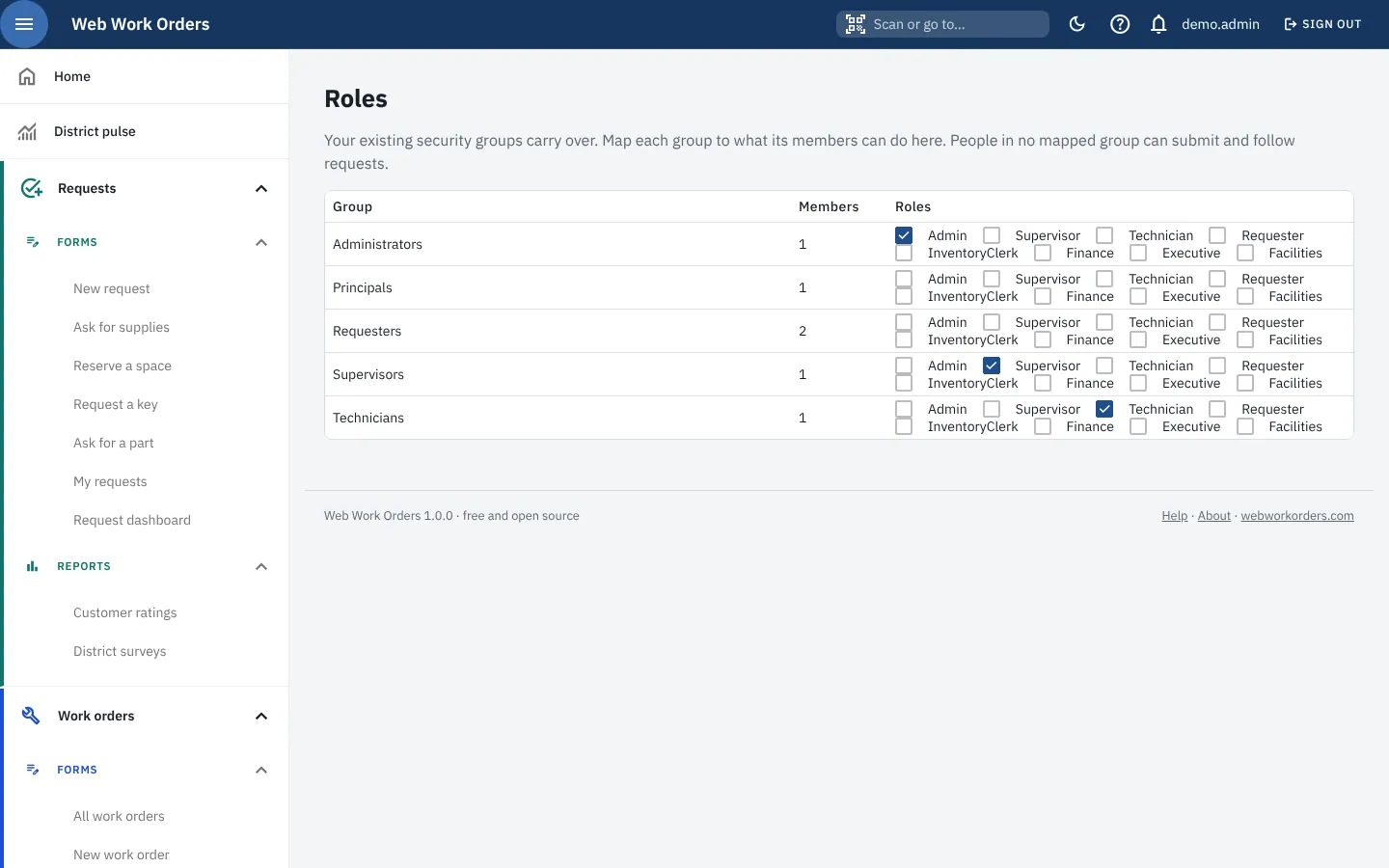
Map your existing security groups to what their members can do.
How it helps
The district's existing security groups map to what their members can do, so access is managed the way it already is. People in no mapped group can still submit and follow requests.
Who uses it
How to use it
- People in no mapped group can still submit and follow requests.
- Changes apply at each person's next sign-in.
Where to find it
In the app at /admin/roles. Every screen has a ? in the header with help for that page.
Related
Next in Setup and security: Sign-in →
Screenshots come from the Pine Valley Schools demo, a made-up district. Something unclear or out of date? Tell us and we'll fix it.