Request form setup
Which fields requesters see, which are required, and in what order.
How it helps
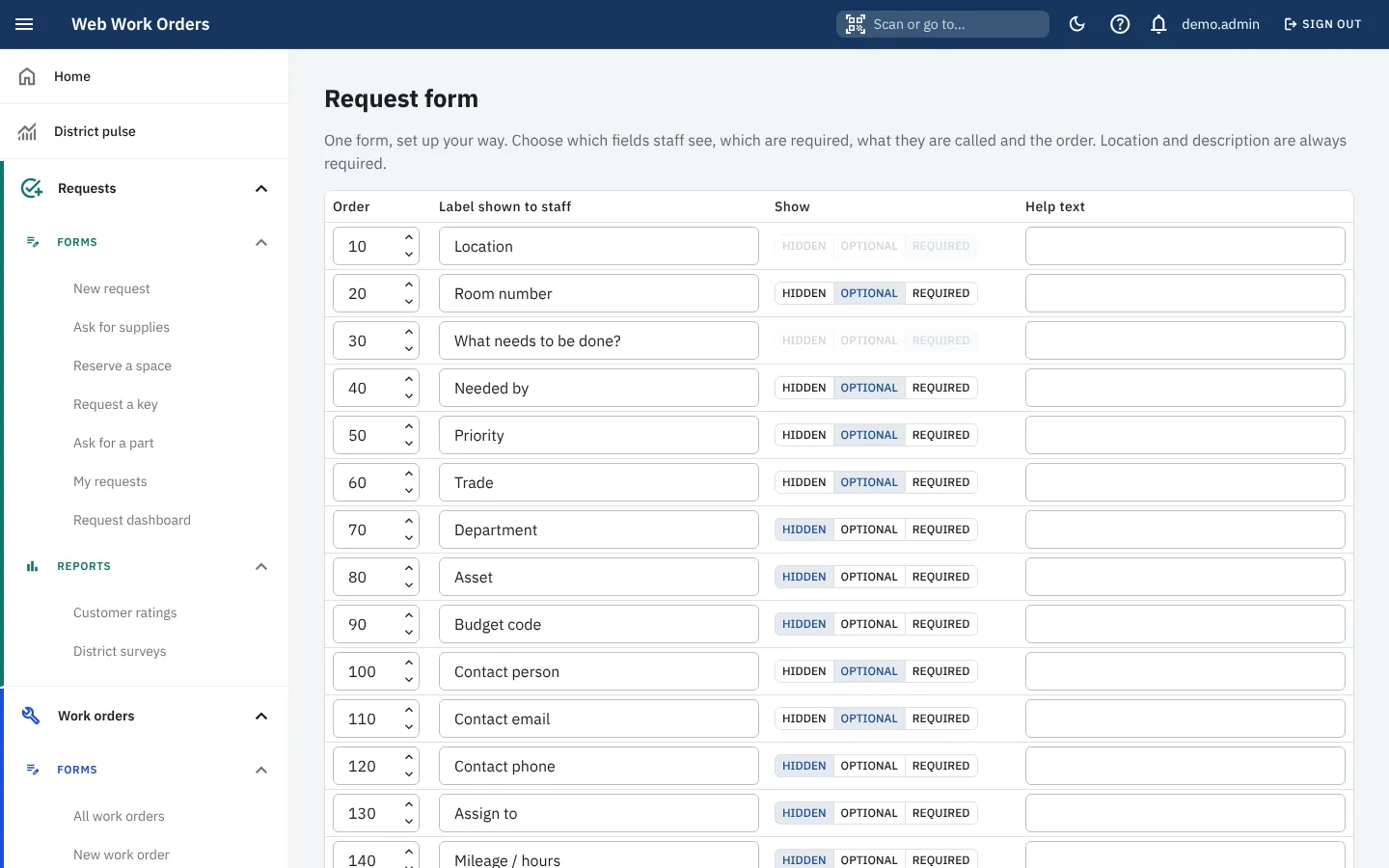
The district decides which fields requesters see, which are required, what they are called and in what order. A short form gets used; a form that asks for the right things saves a technician's return trip.
Who uses it
How to use it
- Location and description are always required.
- Use the help text to tell requesters what you want in each field.
Where to find it
In the app at /admin/request-form. Every screen has a ? in the header with help for that page.
Terms on this page
Related
Next in Setup and security: Form setup →
Screenshots come from the Pine Valley Schools demo, a made-up district. Something unclear or out of date? Tell us and we'll fix it.