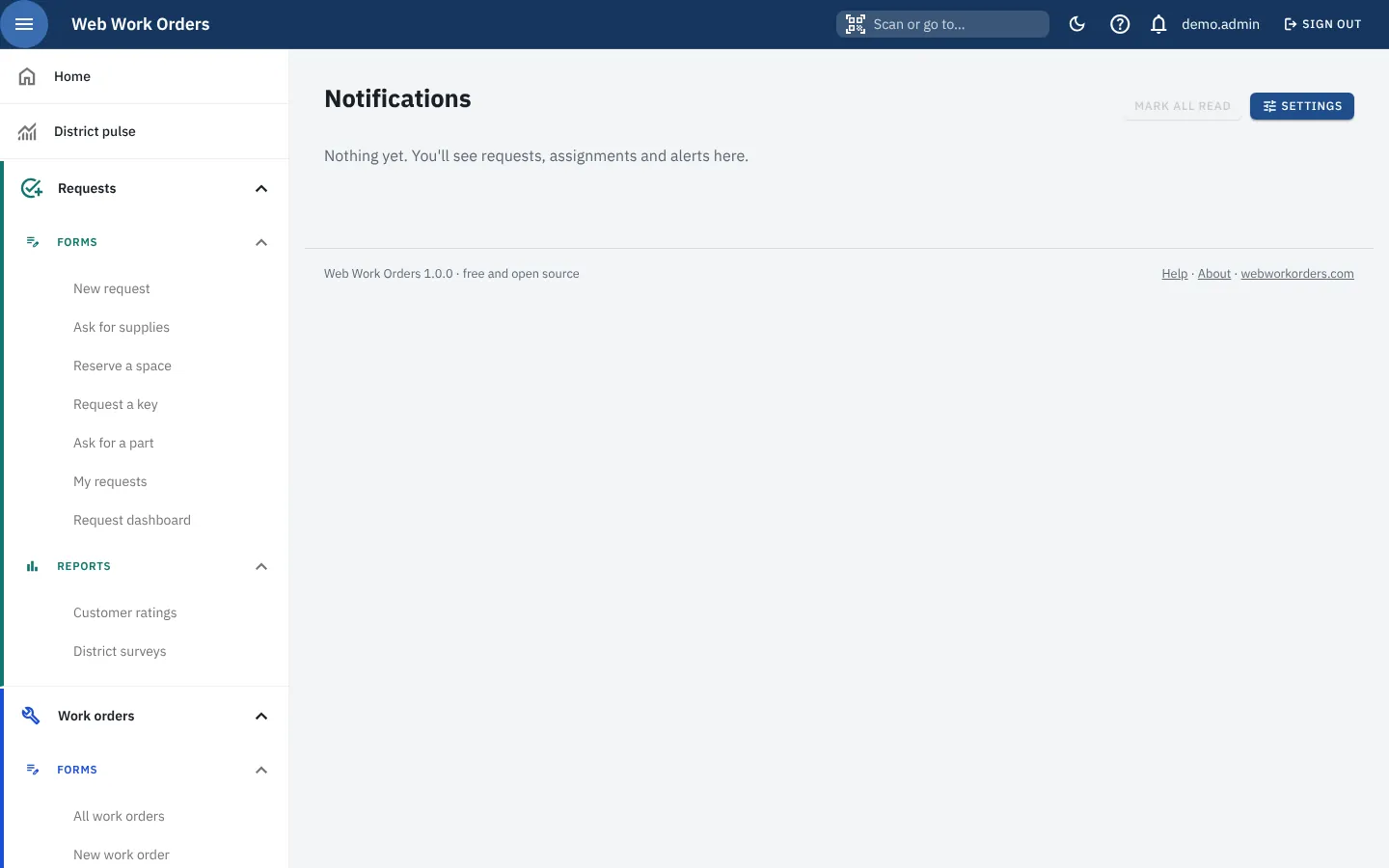
Notifications
Everything the app has told you, newest first.
How it helps
People hear about the work that concerns them the moment it changes, in the app, by email, as a phone or desktop alert, or in team chat. Technicians stop checking a list for new assignments, and teachers stop calling the office to ask where their request stands.
Who uses it
Teachers and staff (requesters)TechniciansSupervisorsAdministrators
How to use it
- Click a notification to open the work order it is about.
- Choose what you get, and whether by email, on this device or only here, under My settings.
Where to find it
In the app at /notifications. Every screen has a ? in the header with help for that page.
Terms on this page
Related
Next in Getting started: My settings →
Screenshots come from the Pine Valley Schools demo, a made-up district. Something unclear or out of date? Tell us and we'll fix it.