New PM
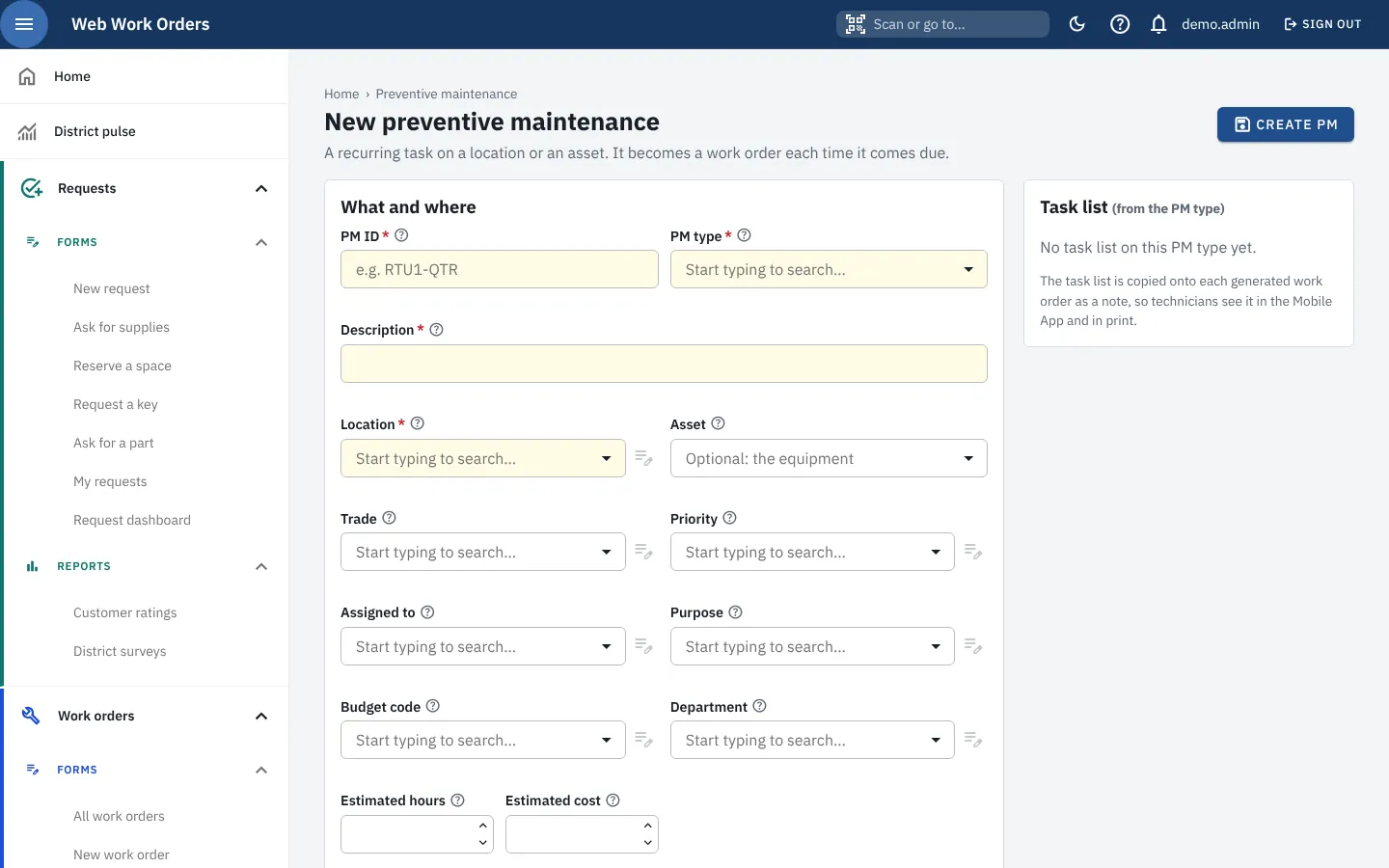
Set up a recurring task on a building or an asset.
How it helps
Setting up a PM once replaces a reminder in someone's head. Pick the building or asset, a PM type with its task list, and the schedule, and the work orders show up on their own.
Who uses it
How to use it
- Pick the PM type first: it brings the task list and a default description.
- Choose the asset when the work is on equipment; the location fills in from it.
- Under Schedule, choose Every N units (every 14 days, every 3 months, every 3,000 miles), Calendar pattern (weekly on Monday and Thursday, the second Tuesday of each month) or Specific weeks (weeks 23 to 33). The summary and the next dates show what you set before you save.
- Add a second frequency for "every 6 months or 5,000 miles": Settings → PM decides whether that means whichever comes first or both.
Where to find it
In the app at /pm/new. Every screen has a ? in the header with help for that page.
Terms on this page
Work orderAssetPreventive maintenancePM type
Related
Next in Preventive maintenance: PM task and schedule →
Screenshots come from the Pine Valley Schools demo, a made-up district. Something unclear or out of date? Tell us and we'll fix it.