Modules
Turn parts of the app on or off for your organization.
How it helps
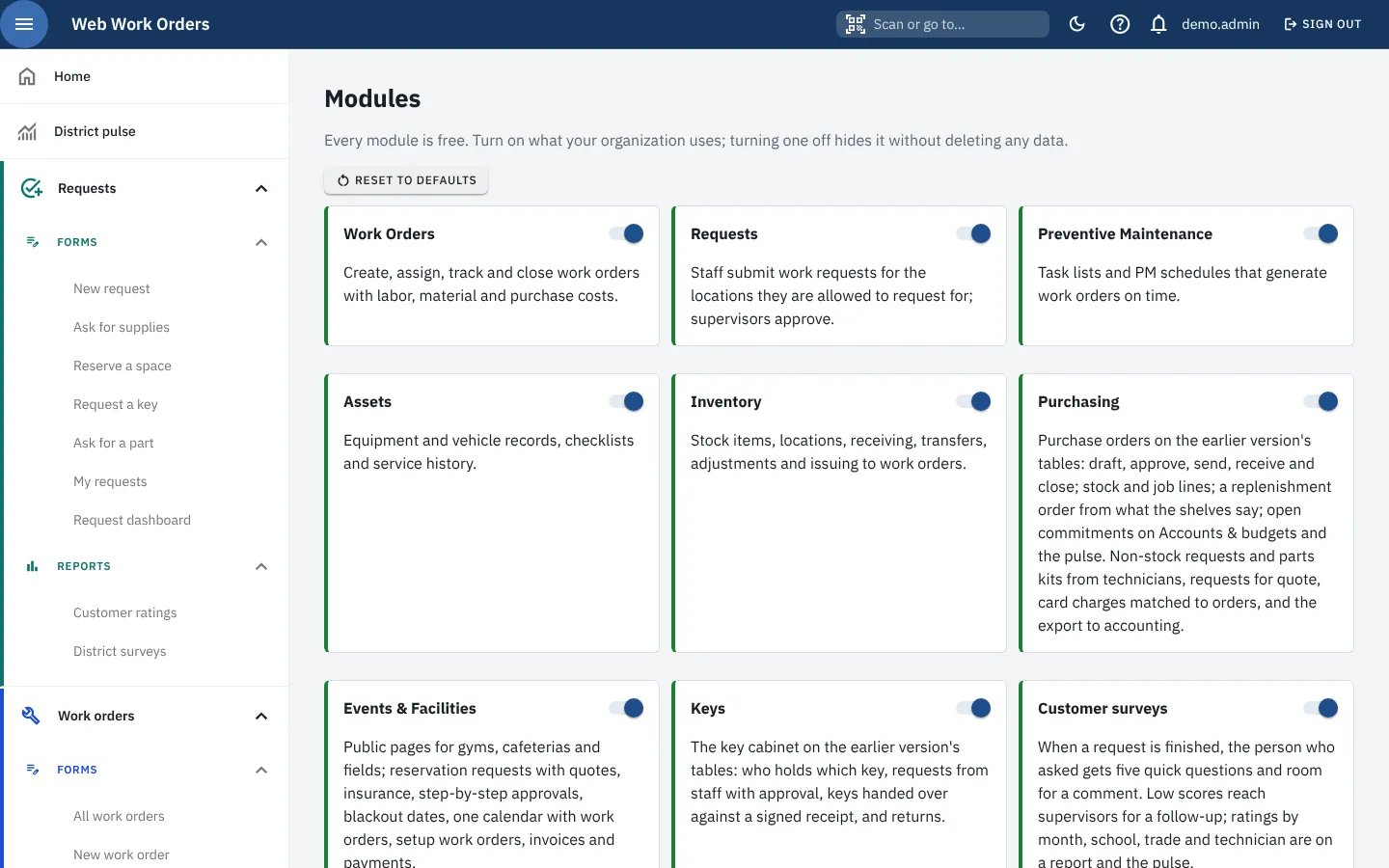
Each part of the app switches on or off for the district. A district can start with work orders and requests and add PM, inventory, facilities or the Mobile App when it is ready. Turning a module off hides it and never deletes data.
Who uses it
How to use it
- Turning a module off hides its pages and menu items. It never deletes data.
- Some modules depend on others; the page explains which.
Where to find it
In the app at /admin/modules. Every screen has a ? in the header with help for that page.
Terms on this page
Work orderPreventive maintenanceModule
Related
Next in Setup and security: Notification rules →
Screenshots come from the Pine Valley Schools demo, a made-up district. Something unclear or out of date? Tell us and we'll fix it.