Building alarms
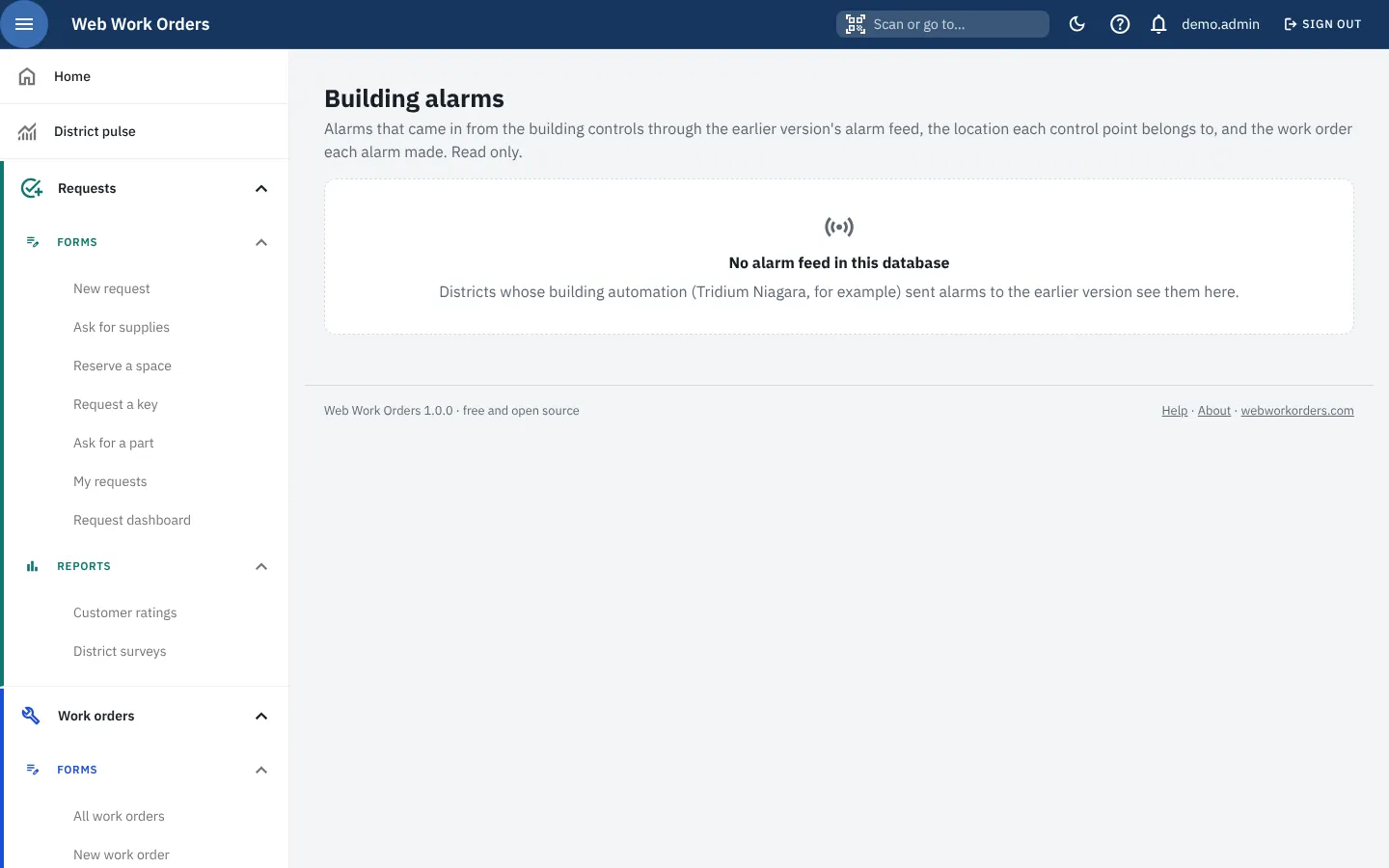
Alarms from the building controls that the earlier version turned into work orders, read only.
How it helps
Districts whose building automation turned alarms into work orders keep that history visible, with the control point, location and the work order each alarm made.
Who uses it
How to use it
- Each alarm shows the control point it came from, the location that point belongs to and the work order it made.
- Control points and alarm classes show how the feed was set up: where each point is, and which standard work order and priority each kind of alarm gets.
Where to find it
In the app at /admin/alarms. Every screen has a ? in the header with help for that page.
Terms on this page
Related
Next in Maps, labels and scanning: Floor plans →
Screenshots come from the Pine Valley Schools demo, a made-up district. Something unclear or out of date? Tell us and we'll fix it.