Field help
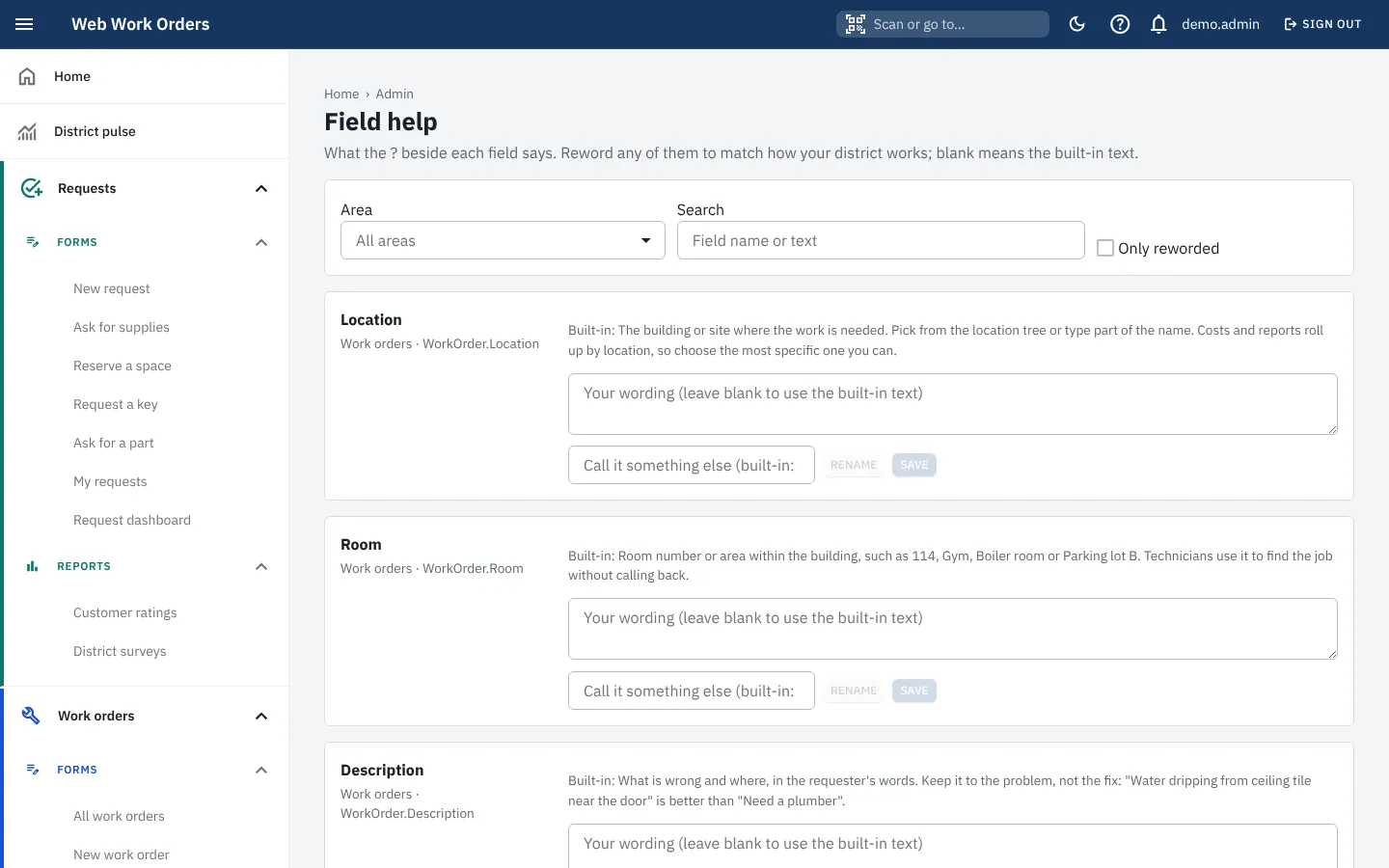
The explanations shown beside every field (the ? marks). Reword them to match your district.
How it helps
The explanation beside every field (the ? marks) can be reworded to match how the district talks. Help that uses the district's own words is help people actually read.
Who uses it
How to use it
- Leave a field blank to use the built-in text. Your text replaces it everywhere that field appears.
- Keep it short and practical: what to put there, and what it affects.
Where to find it
In the app at /admin/field-help. Every screen has a ? in the header with help for that page.
Related
Next in Setup and security: Settings →
Screenshots come from the Pine Valley Schools demo, a made-up district. Something unclear or out of date? Tell us and we'll fix it.