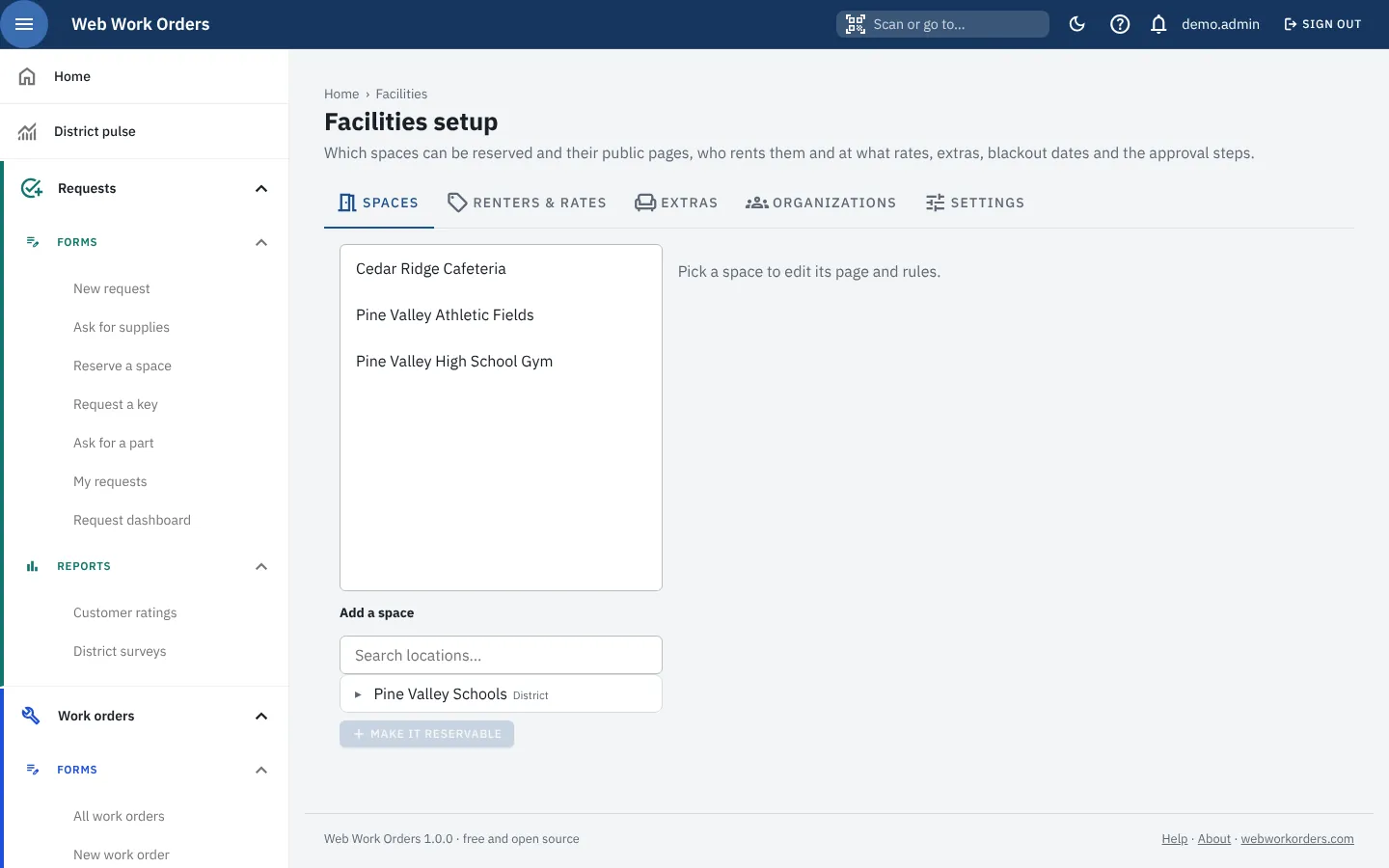
Facilities setup
Spaces and their public pages, renter classes, rates, extras, organizations, blackout dates and approval steps.
How it helps
Spaces and their public pages, renter classes and rates, extras, organizations, blackout dates and approval steps are set up once, so fees are calculated the same way every time and every request follows the district's own approval path.
Who uses it
How to use it
- Spaces: make a location reservable, write its public page, set capacity, hourly rate, opening hours, notice, minimum hours and the gap kept between bookings.
- Renters and rates: each renter class pays the space rate times its multiplier; staff time (security, custodial, supervision) is charged per hour.
- Extras: sound, chairs, kitchen, lights. Offer them at each space with their price.
- Organizations: renters and their standing discount. The earlier version's renters are all here.
- Settings: open online requests, the agreement renters accept, the office email, and the trade for setup work orders.
Where to find it
In the app at /admin/facilities. Every screen has a ? in the header with help for that page.
Terms on this page
Work orderTradeLocation pathReservationBlackout dateRenter class
Related
Next in Facilities and events: Renters’ portal →
Screenshots come from the Pine Valley Schools demo, a made-up district. Something unclear or out of date? Tell us and we'll fix it.