Spaces to reserve (public)
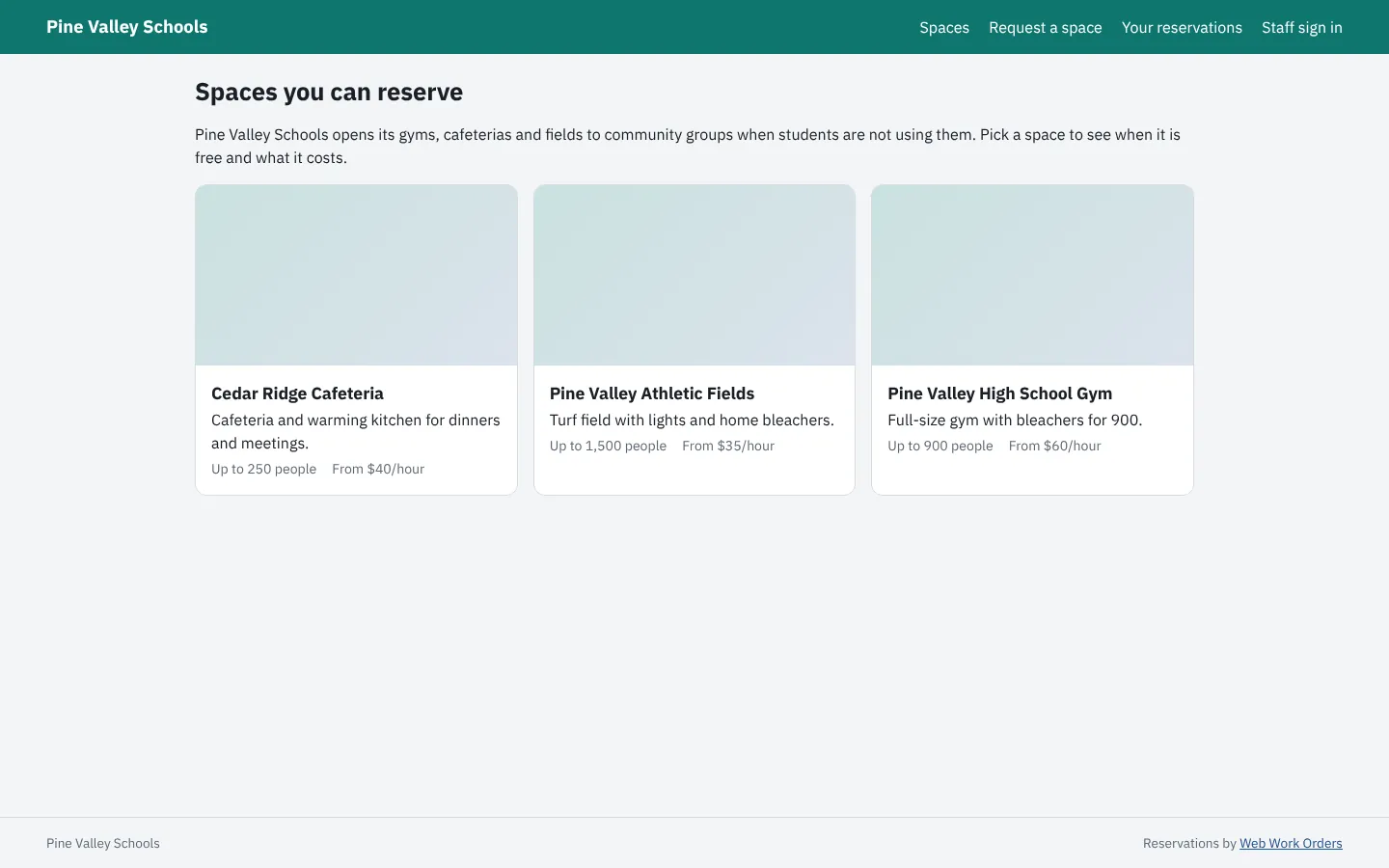
The public list of spaces community groups can reserve.
How it helps
Community groups see every gym, cafeteria, auditorium and field the district rents, without calling anyone. A public list turns the phone tag of facility use into requests the office can approve.
Who uses it
How to use it
- Only spaces marked public in Facilities setup are listed for the public; signed-in staff also see the others.
- Turn online requests on or off in Facilities setup › Settings.
Where to find it
In the app at /facilities. Every screen has a ? in the header with help for that page.
Related
Next in Facilities and events: Space page (public) →
Screenshots come from the Pine Valley Schools demo, a made-up district. Something unclear or out of date? Tell us and we'll fix it.