Assets
Equipment and vehicles, searchable by tag, name, serial, model or location.
How it helps
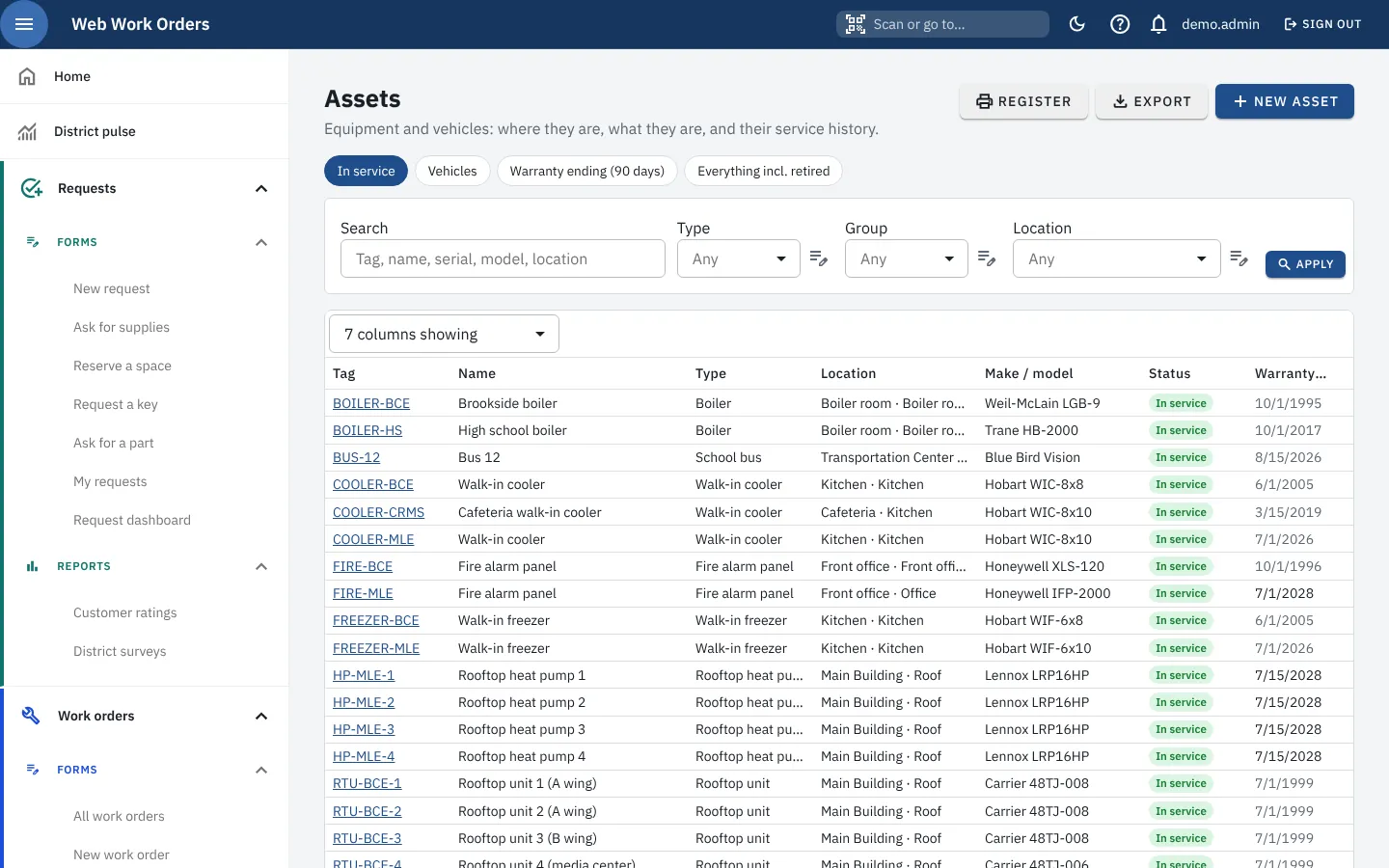
Equipment and vehicles in one searchable list by tag, name, serial, model or location, with quick views for vehicles, warranties ending in the next 90 days, and retired units. Checking the warranty before paying for a repair is one click instead of a filing cabinet.
Who uses it
SupervisorsTechniciansAdministrators
How to use it
- Quick views show vehicles, warranties ending within 90 days, and retired assets.
- Open an asset to see its service history and PMs; its Label and map tab prints its label and sets where it is.
- Register prints the assets matching your filters, grouped by location, type, group or status.
Where to find it
In the app at /assets. Every screen has a ? in the header with help for that page.
Terms on this page
StatusAssetPreventive maintenanceQuick view
Related
Next in Assets: New asset →
Screenshots come from the Pine Valley Schools demo, a made-up district. Something unclear or out of date? Tell us and we'll fix it.