Warranty finder
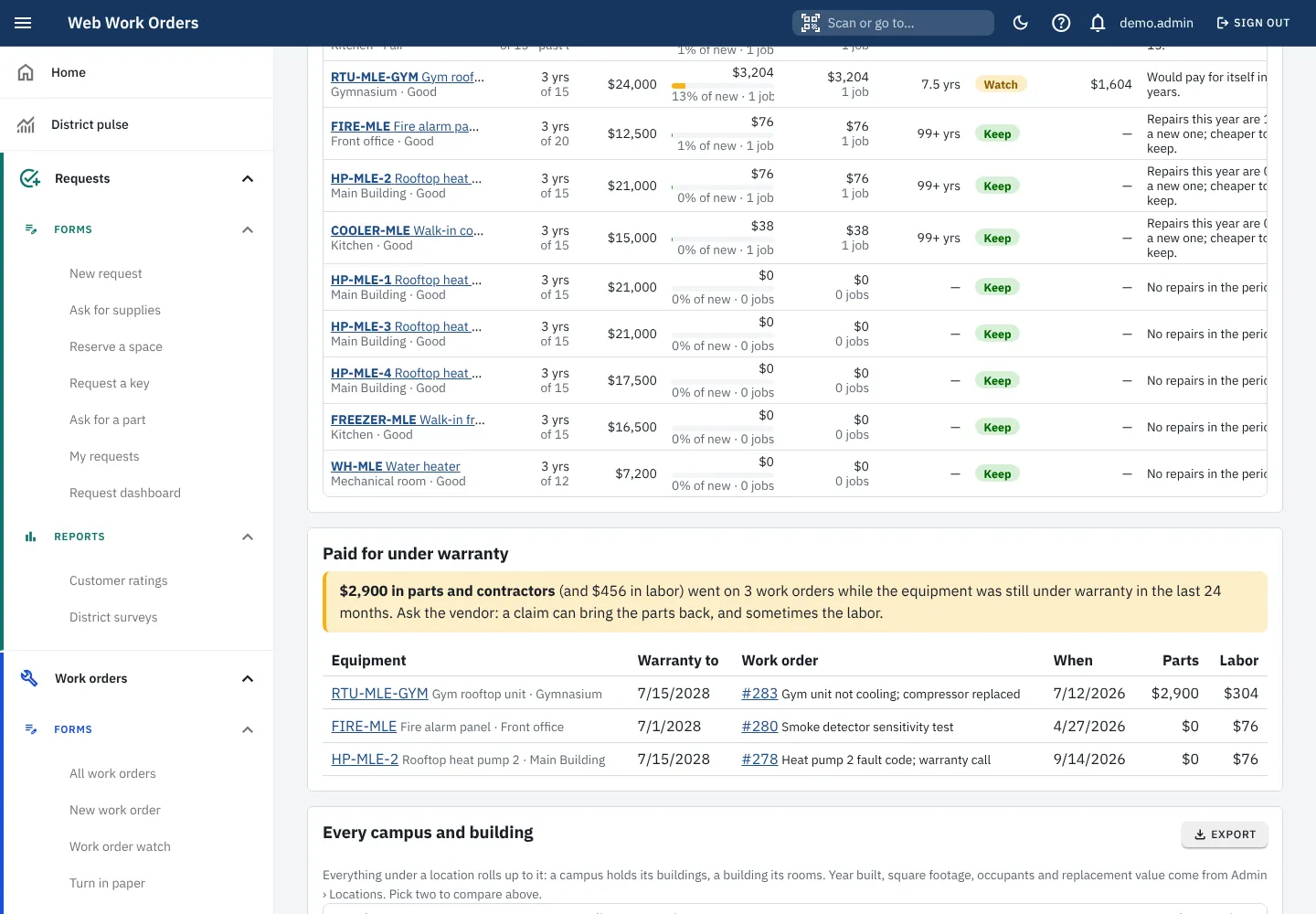
Repairs the district paid for while the equipment was still under warranty, with parts and labor apart, on Repair or replace and the district pulse.
How it helps
A $2,900 compressor on a two-year-old unit with a five-year warranty should not come out of the maintenance budget. The finder lists every repair like that, so the money comes back instead of being written off.
Who uses it
SupervisorsFinanceAdministrators
How to use it
- The list compares each repair's date with the warranty end date recorded on the asset.
- Parts and labor are shown apart, because many warranties cover parts only.
- Open the work order, gather the invoice, and ask the vendor; the claim goes in before the invoice is forgotten.
Terms on this page
Related
Next in Reports and the district pulse: Customer ratings →
Screenshots come from the Pine Valley Schools demo, a made-up district. Something unclear or out of date? Tell us and we'll fix it.