Check in from the phone
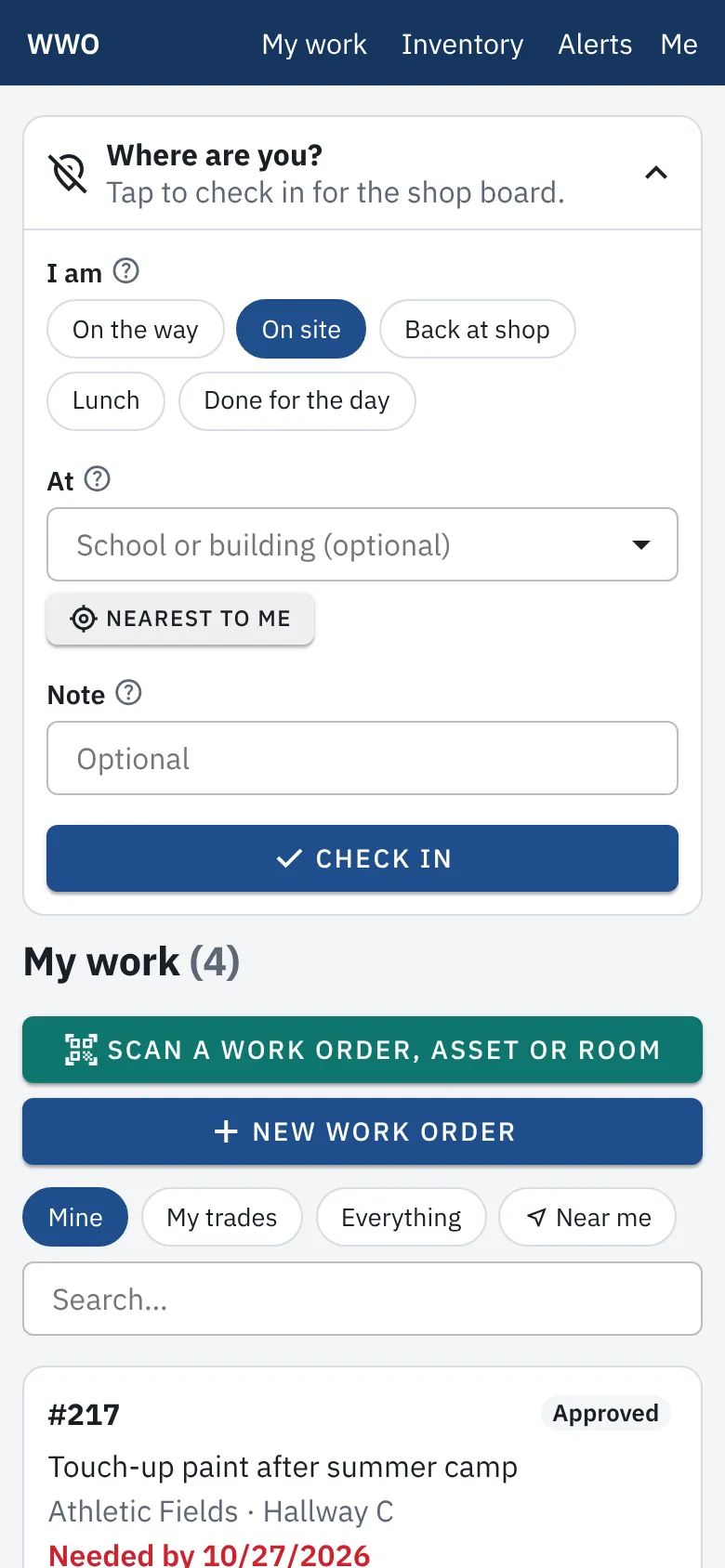
Technicians tell the shop where they are with one tap: On the way, On site, Back at shop, Lunch or Done for the day, with the school and a short note.
How it helps
One tap replaces the radio call asking where everyone is. The live boards and the check-in history fill themselves in from these taps.
Who uses it
How to use it
- Open Where are you? at the top of the Mobile App home screen, tap what you are doing, pick the school (or Nearest to me) and Check in.
- I'm here on a work order checks you in at that job.
- The statuses are the district's to set under Settings.
Fields on this screen
- Where I am
- Tap what you are doing so the shop can see it on the live board. Your latest check-in is what shows.
- Place
- The school or building you are at. "Nearest to me" picks the closest location that has coordinates.
- Note
- A few words for the board, for example "waiting on the elevator company".
Terms on this page
Related
Next in Mobile App: Work near me →
Screenshots come from the Pine Valley Schools demo, a made-up district. Something unclear or out of date? Tell us and we'll fix it.