Live boards
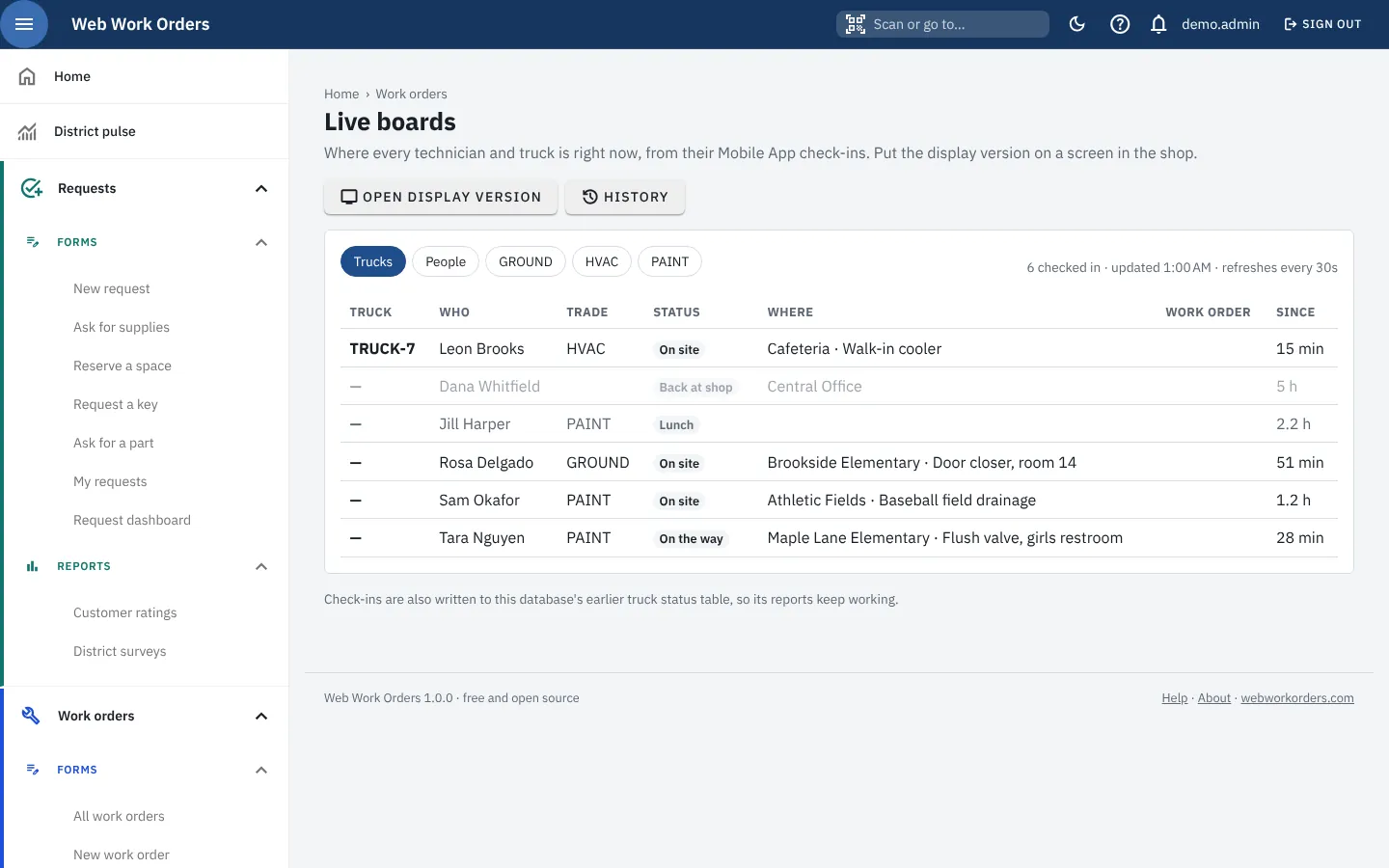
Where every technician and truck is right now, from their Mobile App check-ins.
How it helps
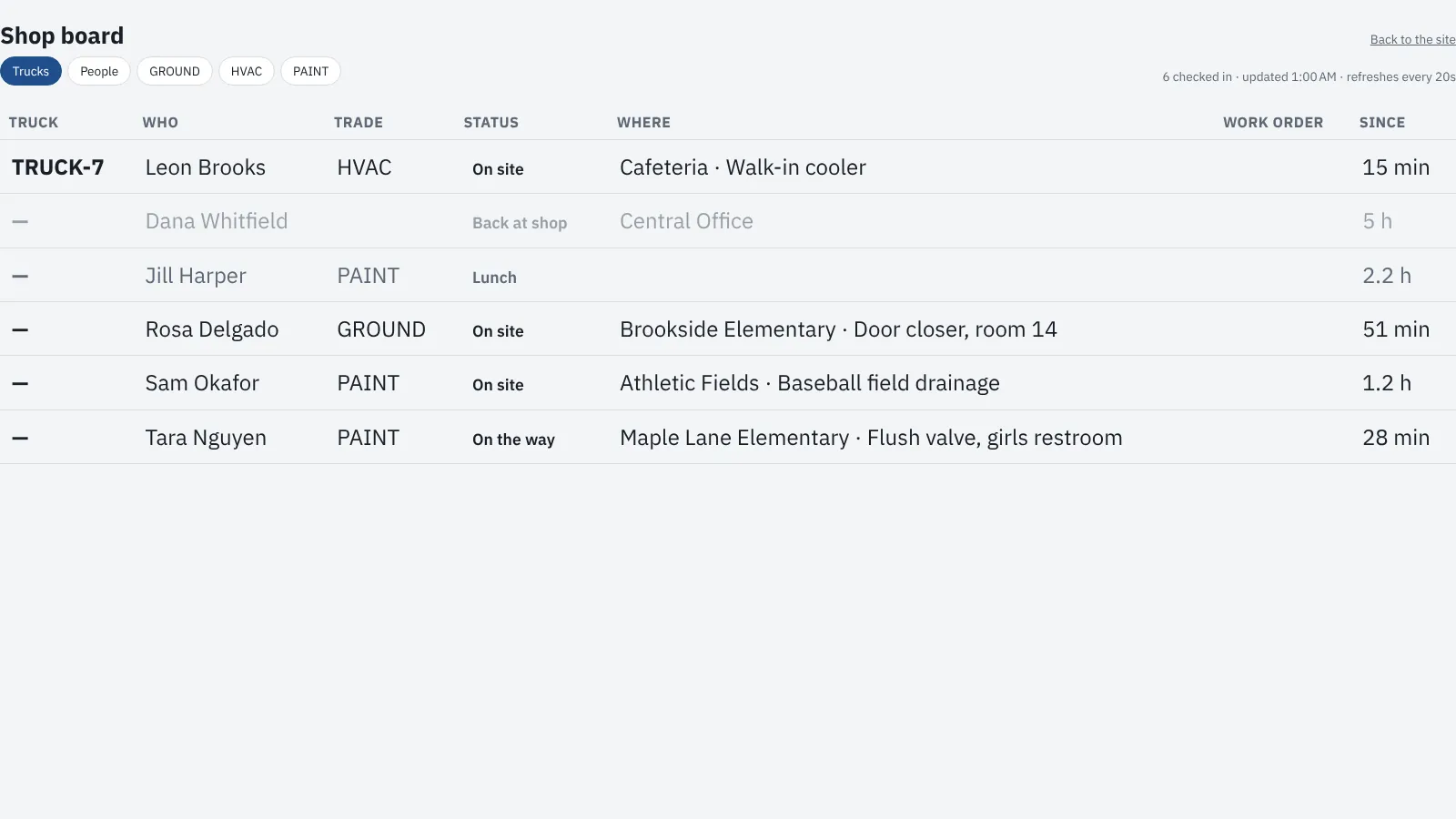
Where every truck and every technician is right now, and since when, from their check-ins on the phone. The dispatcher sends the nearest person instead of calling around, and a big-type version runs on the shop wall. Districts with the earlier version's truck log keep it: each check-in is written there too.
Who uses it
How to use it
- Trucks lists by vehicle, People by technician. Tap a trade to see only that trade.
- Rows fade as a check-in gets old (after 90 minutes, then 4 hours). The board refreshes itself every 30 seconds.
- Open display version is the big-type page for a screen on the shop wall; it refreshes every 20 seconds.
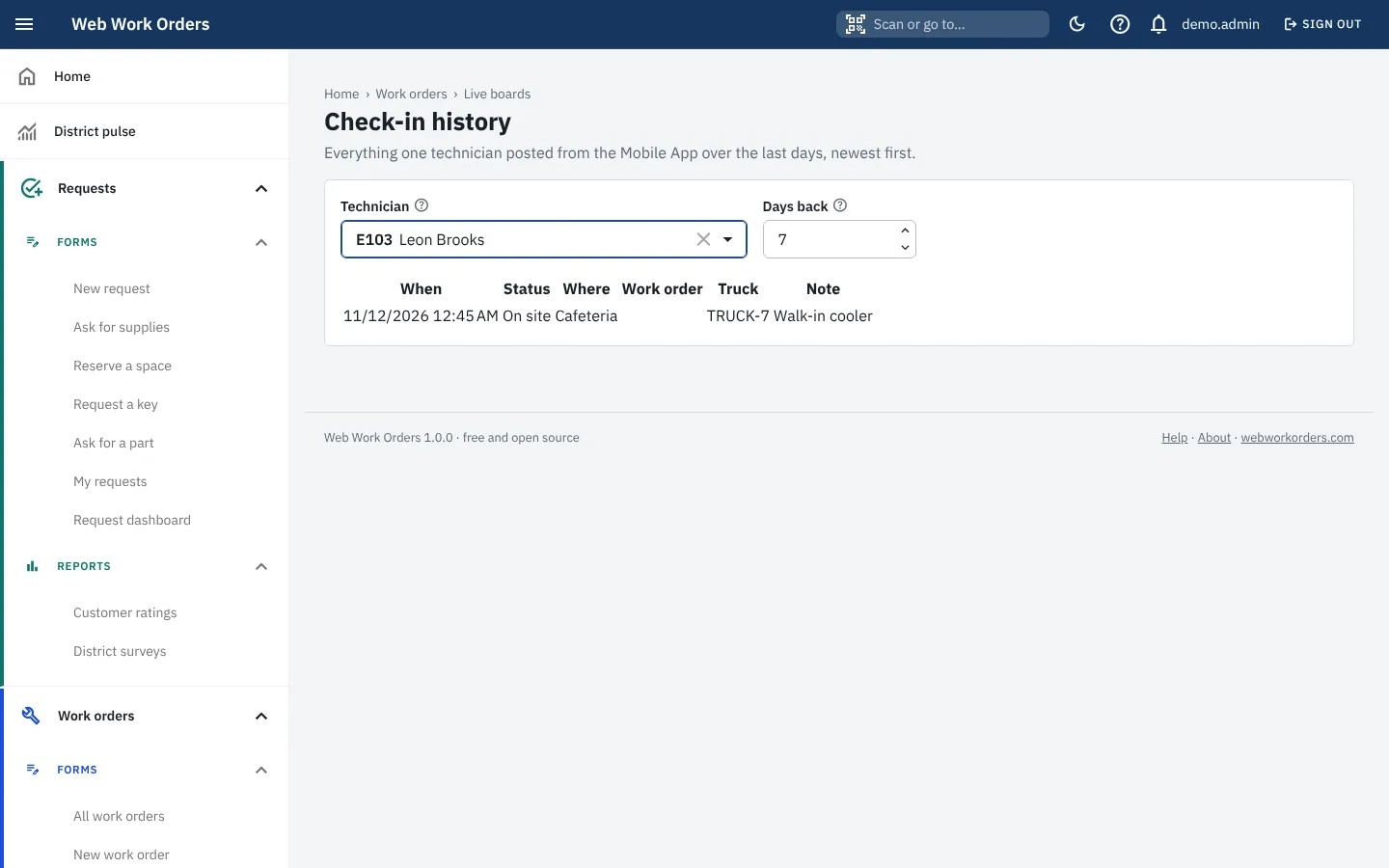
- History shows everything one technician posted over the last days.
- Technicians check in from the Mobile App's home screen, or with "I'm here" on a work order.
Fields on this screen
- Check-in statuses
- The buttons a technician taps to say where they are, shown on the live boards: On the way, On site, Back at shop… Separate them with commas.
- Technician
- Whose check-ins to list. Everyone who has used the Mobile App's check-in appears on the live boards; this page shows one person's trail.
- Days back
- How many days of check-ins to show, newest first. Up to 90.
Where to find it
In the app at /boards. Every screen has a ? in the header with help for that page.
Terms on this page
Work orderTradeCheck-inLive board
Related
Next in Work orders: Turn in paper →
Screenshots come from the Pine Valley Schools demo, a made-up district. Something unclear or out of date? Tell us and we'll fix it.