Facilities calendar
Reservations, blackout dates and scheduled work orders on one calendar.
How it helps
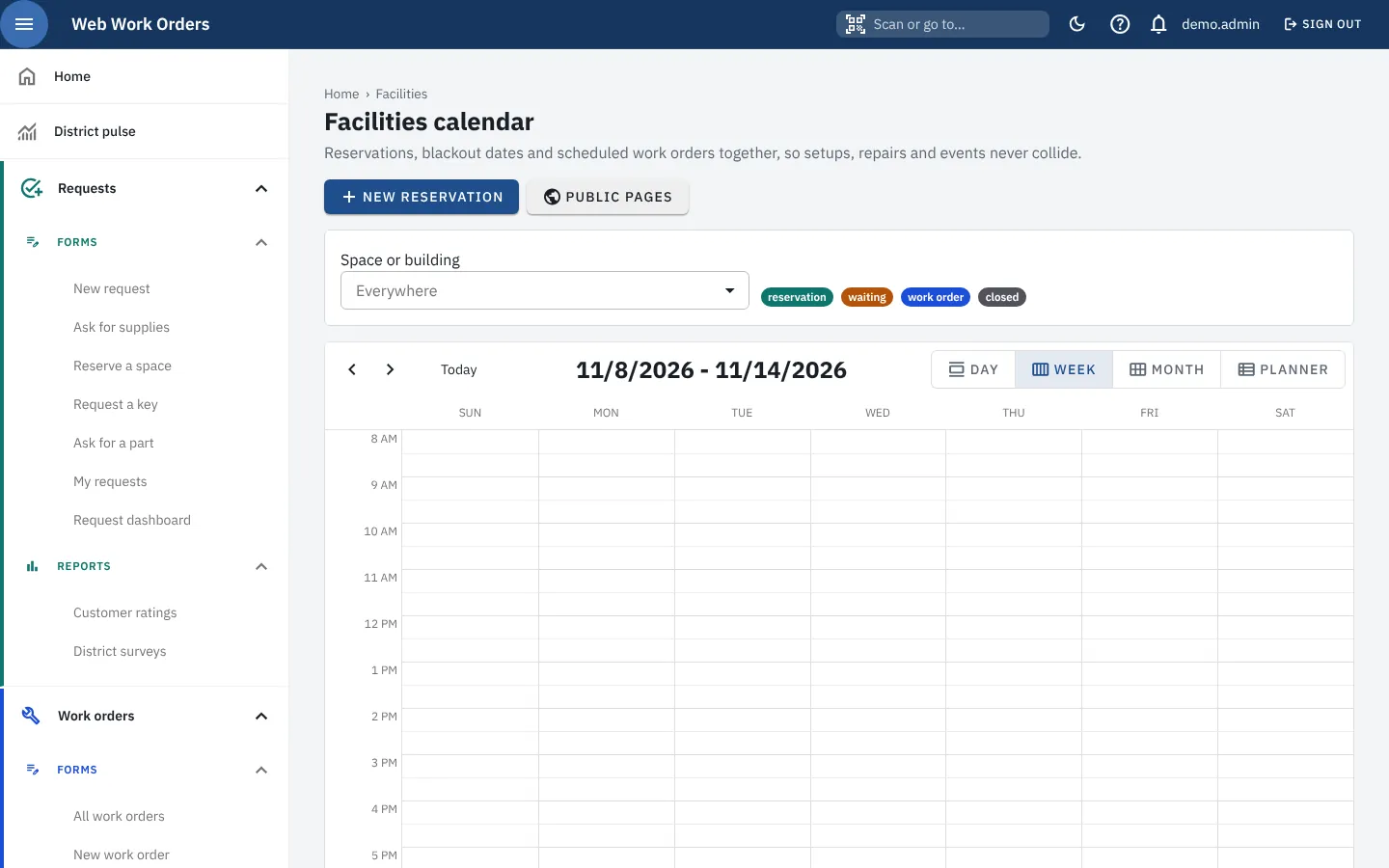
Reservations, blackout dates and scheduled work orders on one calendar, by space or building. The night before the band concert, the auditorium's setup work order sits right beside the booking.
Who uses it
How to use it
- Green is approved, amber is waiting for approval, blue is a work order scheduled in that space, grey is a blackout date.
- Pick a space or building to see only it and the rooms inside it. Click an item to open it.
- Use day, week, month or year views; the year planner shows busy seasons at a glance.
Where to find it
In the app at /facilities/calendar. Every screen has a ? in the header with help for that page.
Terms on this page
Work orderRoomReservationBlackout date
Related
Next in Facilities and events: Facilities setup →
Screenshots come from the Pine Valley Schools demo, a made-up district. Something unclear or out of date? Tell us and we'll fix it.