Create your account
Make your own account with the registration code from your office.
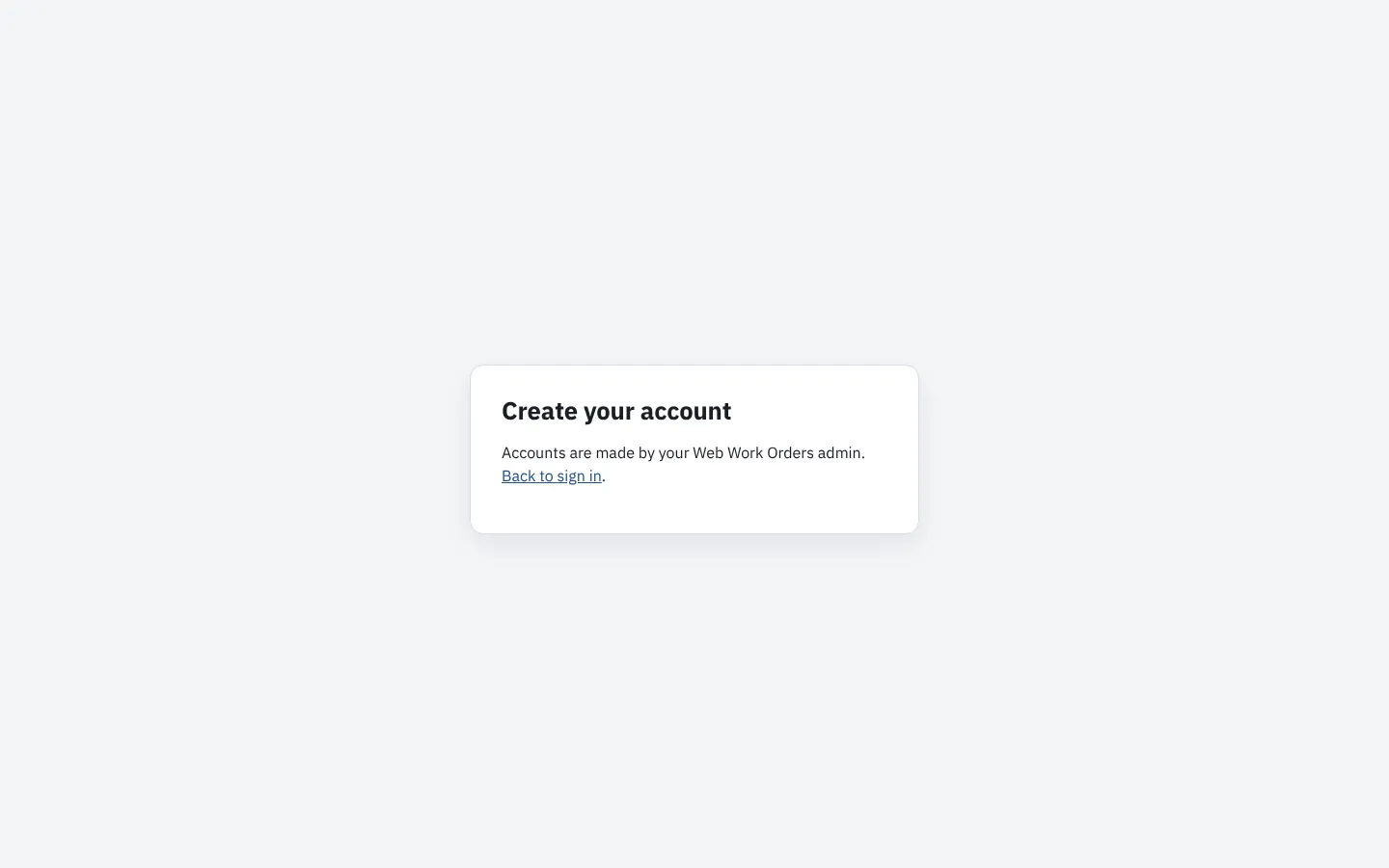
How it helps
With a registration code from the office, staff make their own account and get the access set for new accounts, usually requesting work for their school. Nobody waits on IT to start submitting requests.
Who uses it
Teachers and staff (requesters)
How to use it
- You get the access the admin set for new accounts, usually to request work for your school.
- Use a password of at least 10 characters. A short phrase of several words works well.
Where to find it
In the app at /register. Every screen has a ? in the header with help for that page.
Related
Next in Setup and security: Routing rules →
Screenshots come from the Pine Valley Schools demo, a made-up district. Something unclear or out of date? Tell us and we'll fix it.