Light or dark
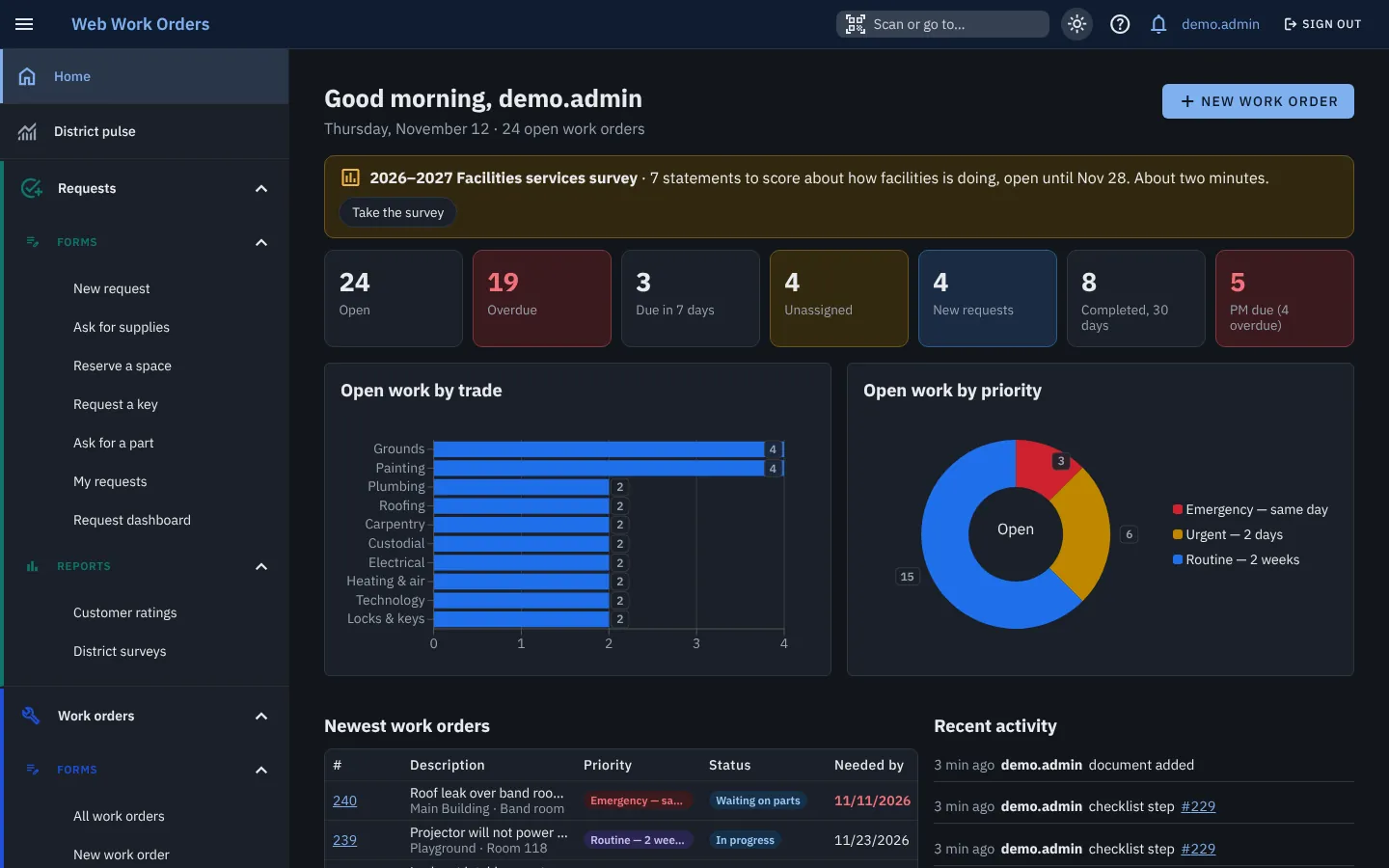
Web Work Orders follows the phone or computer's own light or dark setting; the moon in the header locks it the other way on that device.
How it helps
Easy on the eyes on a phone in a dark boiler room and on an office monitor all day. Color is kept for meaning: red for overdue, amber for watch, green for done.
Who uses it
Teachers and staff (requesters)TechniciansSupervisorsAdministrators
How to use it
- The choice is kept per device: a technician's phone can be dark while the office stays light.
- Printed work orders, labels and pick lists are always black on white.
- The type is IBM Plex Sans, shipped with the app, so nothing is fetched from an outside font service and columns of figures line up.
Terms on this page
Work orderOverdueRoomPick list
Related
Screenshots come from the Pine Valley Schools demo, a made-up district. Something unclear or out of date? Tell us and we'll fix it.