Fuel tanks
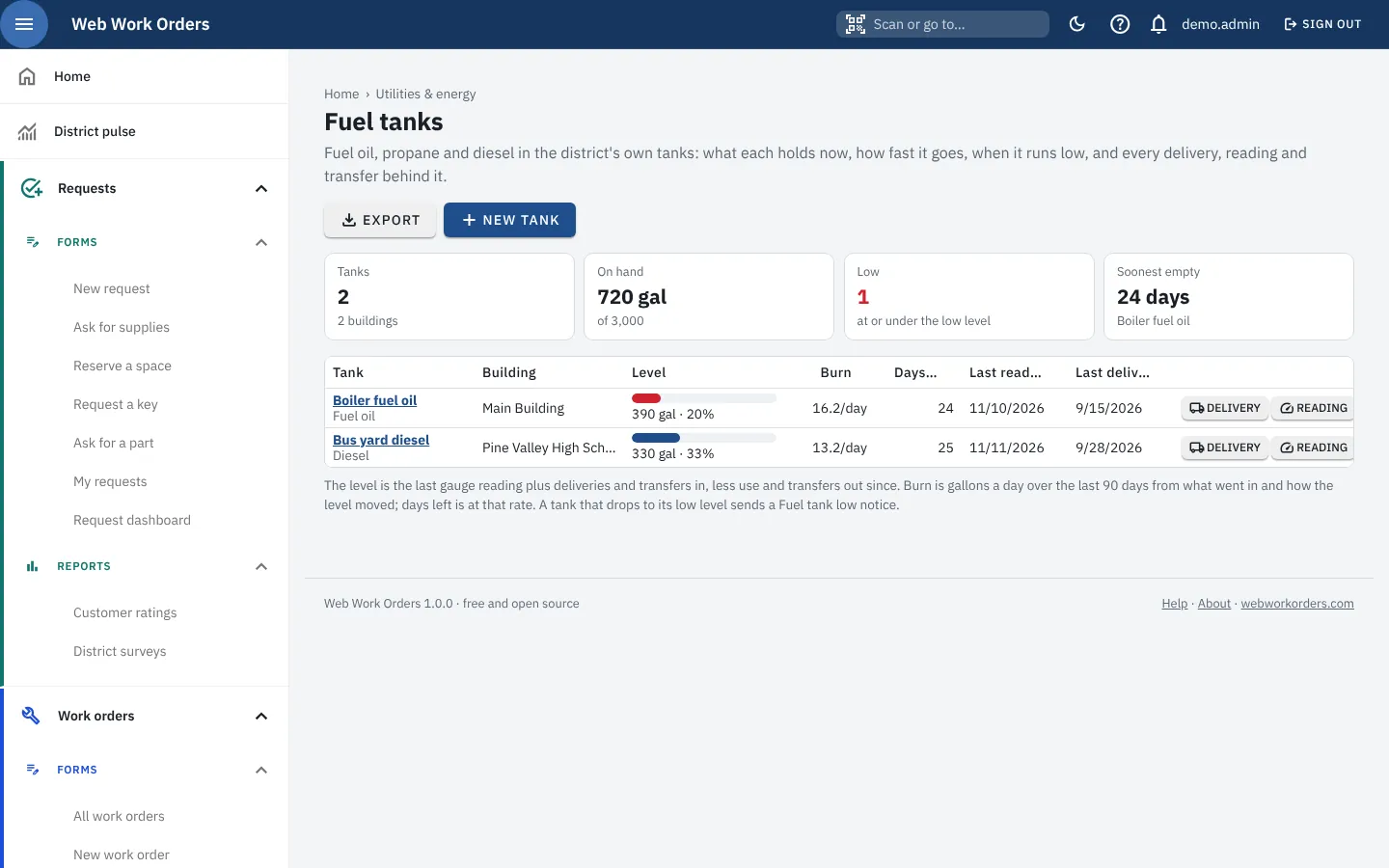
The district's own fuel oil, propane and diesel tanks: what each holds now, how fast it goes, which are low, and the entries behind the numbers.
How it helps
Fuel oil for the boilers, propane for the kitchens, diesel for the buses: what each tank holds now, how fast it goes, days until low, and a notice to the office when a tank reaches its low mark, before the morning the boiler does not light.
Who uses it
SupervisorsFinanceAdministrators
How to use it
- New tank sets where it is, what it holds and the level that counts as low. Open a tank to record deliveries, readings, use and transfers.
- The level is worked out from the last gauge reading forward: deliveries and transfers in add, use and transfers out subtract. Take a reading now and then and the figures stay honest.
- Low tanks are flagged on the list and reach supervisors, admins and finance as a notice; days left is the level at the recent burn rate. Export gives the list as a spreadsheet.
Where to find it
In the app at /utilities/tanks. Every screen has a ? in the header with help for that page.
Related
Next in Utilities and energy: Fuel tank →
Screenshots come from the Pine Valley Schools demo, a made-up district. Something unclear or out of date? Tell us and we'll fix it.